POPULAR COURSES
Master Programs


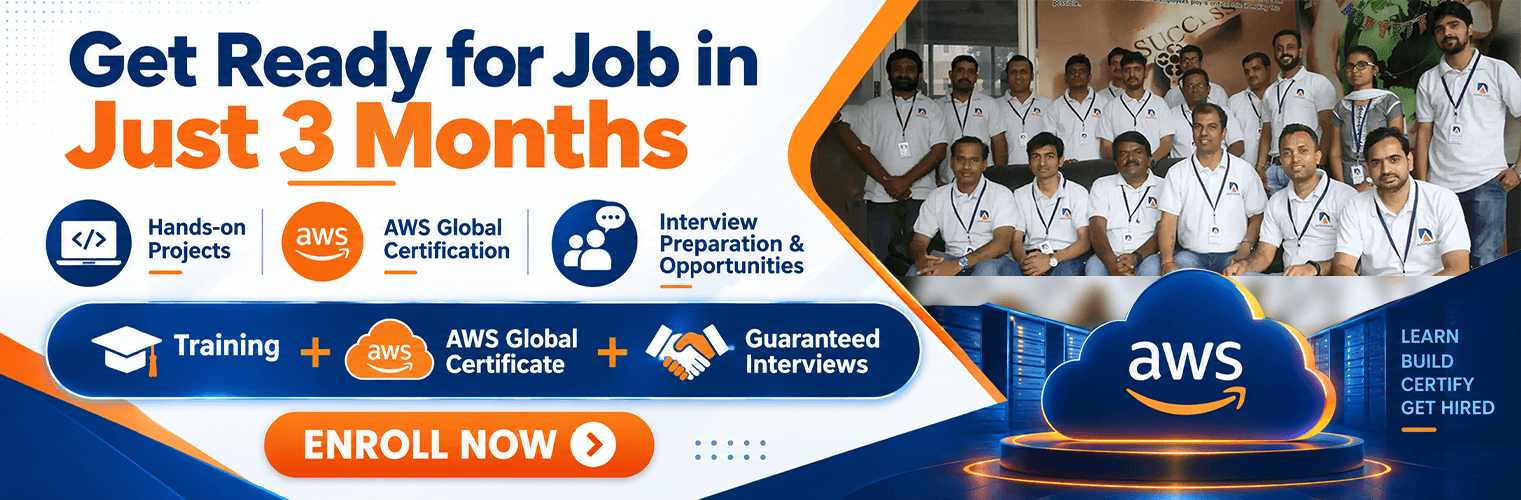
Cloud Computing Course in Bangalore
Learn All About Cloud Computing, Most demanding Tech Skill in the IT industry
Apponix Academy’s Cloud Computing Course in Bangalore is designed to help students, graduates and working professionals build practical expertise in cloud technologies and prepare for cloud-focused career opportunities. As businesses increasingly move their applications, data and IT infrastructure to cloud platforms, professionals with cloud computing expertise are in demand across software development, DevOps, cybersecurity and data engineering roles.
The course covers essential concepts such as cloud computing fundamentals, cloud architecture, virtualisation, storage, networking, security and deployment, along with hands-on training in leading cloud platforms. Through practical exercises, real-world projects and industry-oriented learning at Apponix Academy, participants can develop the skills required to deploy, manage and optimise cloud-based infrastructure and applications. With guidance from experienced trainers and a structured curriculum, the course is suitable for beginners as well as IT professionals looking to strengthen their existing technical skills or transition into roles such as Cloud Engineer, Cloud Administrator, Cloud Developer and DevOps Engineer.
2000+ Ratings
3000+ Happy Learners
Video Testimonials From Cloud Computing Course Students
Skills Covered in Cloud Computing Course

Cloud Service Models (IaaS, PaaS, SaaS)
Cloud Deployment Models (Public, Private, Hybrid)
Virtualization and Cloud Infrastructure
Working with Linux Commands
Networking in Linux
System configuration and management
Managing users and groups
DevOps Culture
Ansible Playbooks
Docker Containers
Jenkins Integratione
Security, Identity & compliance management
RDS Database
AWS Cost management
AWS-CloudFormationCloud Migration Strategies
Cloud computing fundamentals and architecture
AWS, Microsoft Azure and Google Cloud
Cloud infrastructure and resource management
Virtualisation and virtual machines
Cloud storage and databases
Cloud networking and security
Identity and Access Management (IAM)
Linux and cloud server administration
Docker and Kubernetes
DevOps and CI/CD fundamentals
Serverless computing
Cloud monitoring and performance optimisation
Backup and disaster recovery
Infrastructure automation
Cloud migration
Real-world cloud deployment and troubleshooting
Key Features of Cloud Computing Training
5 Guaranteed Interviews arrangements
Over 120+ Hours Of Practical Based Learning
Assured Job Placement
Interview Grooming Sessions
AWS Certification Assistance
1 Year Access to Recorded Sessions
Delivered by Industry Experts
Weekdays & Weekend Classes
Delivered by Industry Experts
Industry Relevant Projects
Zero-Interest EMI Option
Python will be offered as a complimentary course
Our Alumni Working in






























Reviews By Our Cloud Computing Students

Aarsh Mehta
Cloud Computing
This is the best institute for learning the courses properly. You will get the full knowledge about the courses.

Ajith Bahadhur
Cloud Computing
Indeed, the best institute when it comes to software training as they have updated technologies and really good faculty!

Mahesh Mahi
Cloud Computing
Apponix Institute is located in Rajaji Nagar Bangalore. We had a Cloud Computing training over here and really institute have well equipped

Joshna
Cloud Computing
Indeed, the best institute when it comes to Cloud Computing as they have updated technologies and really good faculty!
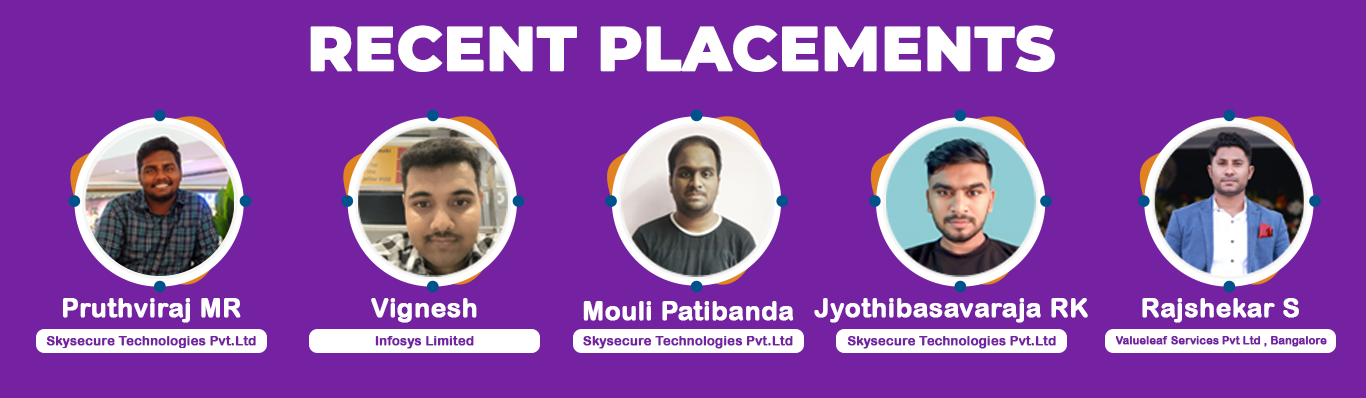
Our Recent Placements




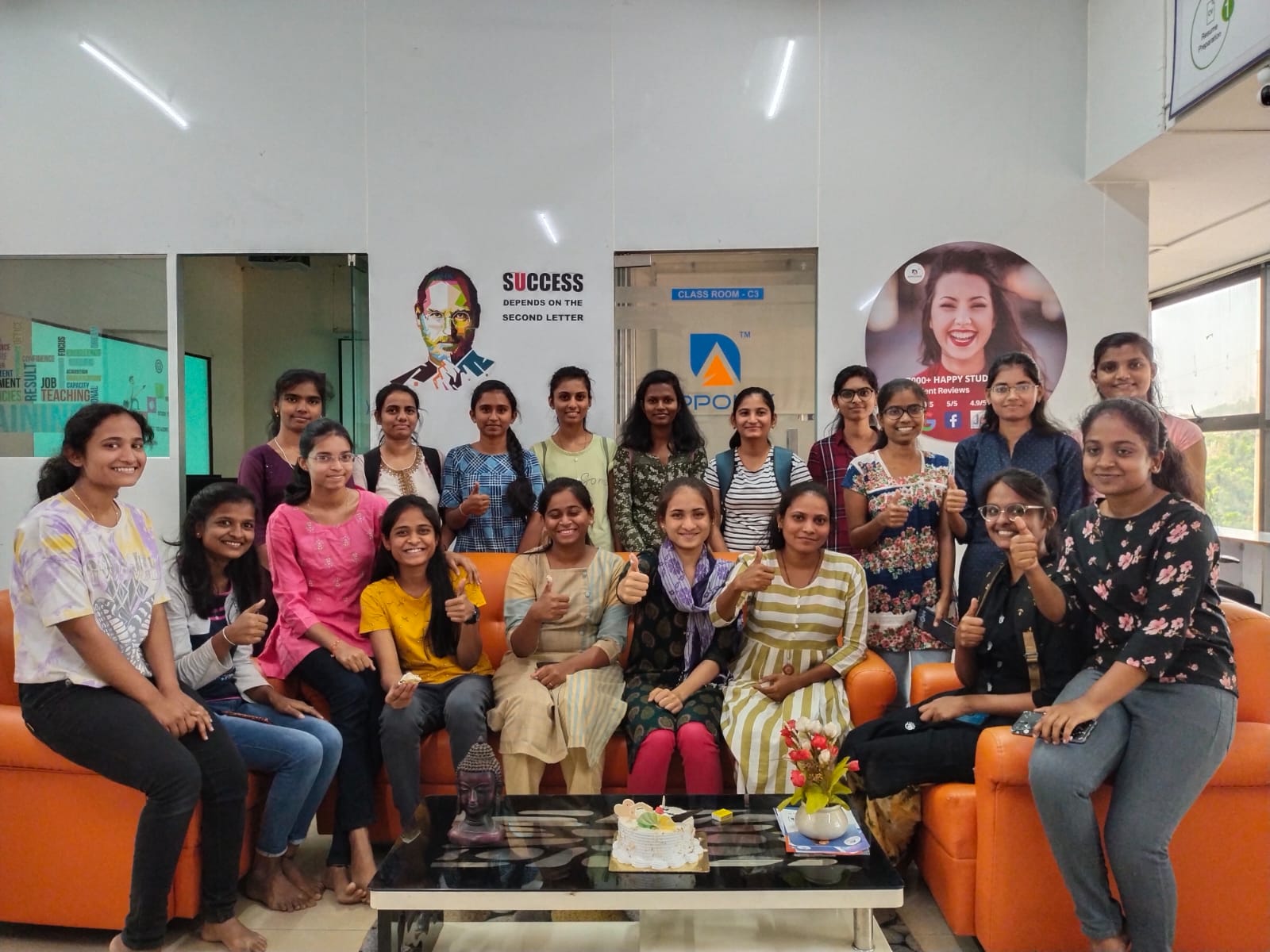
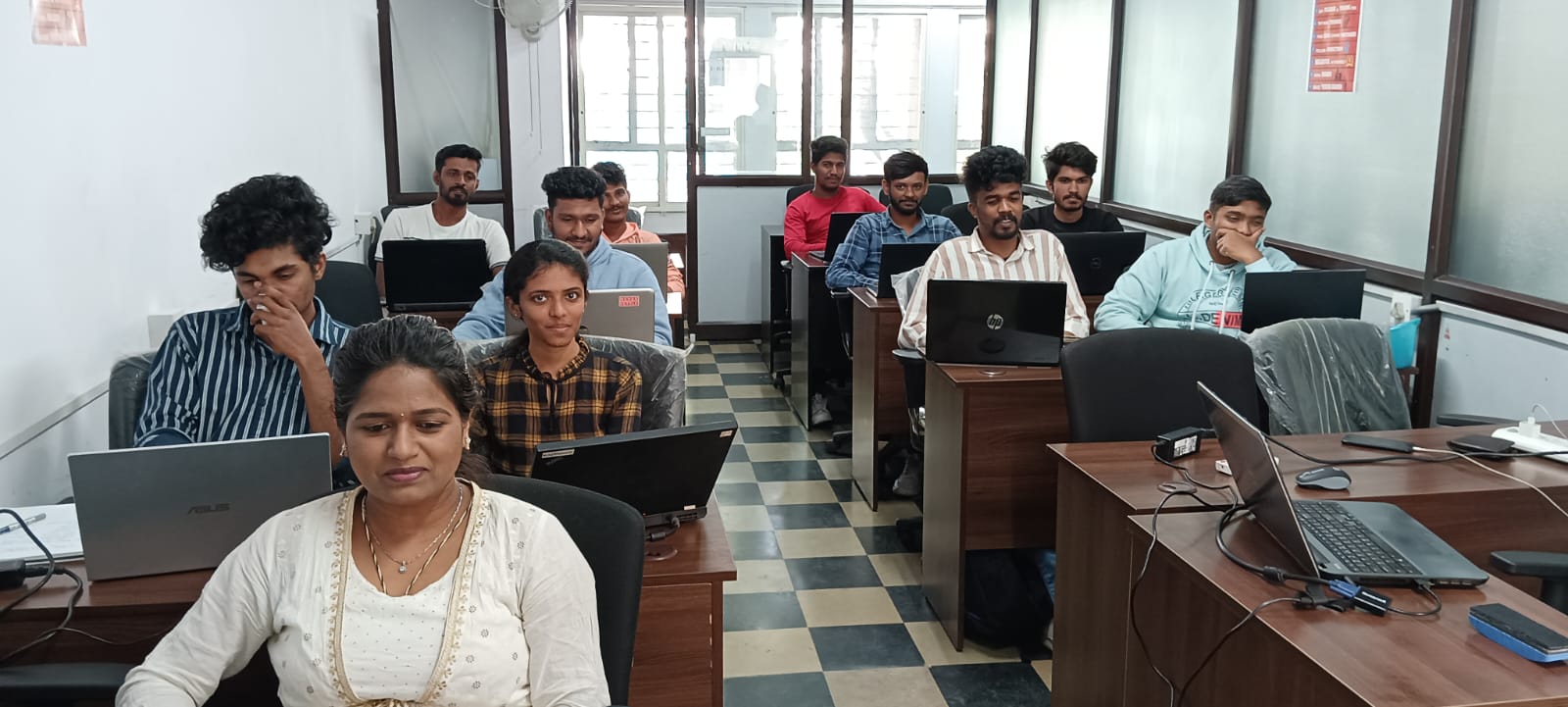
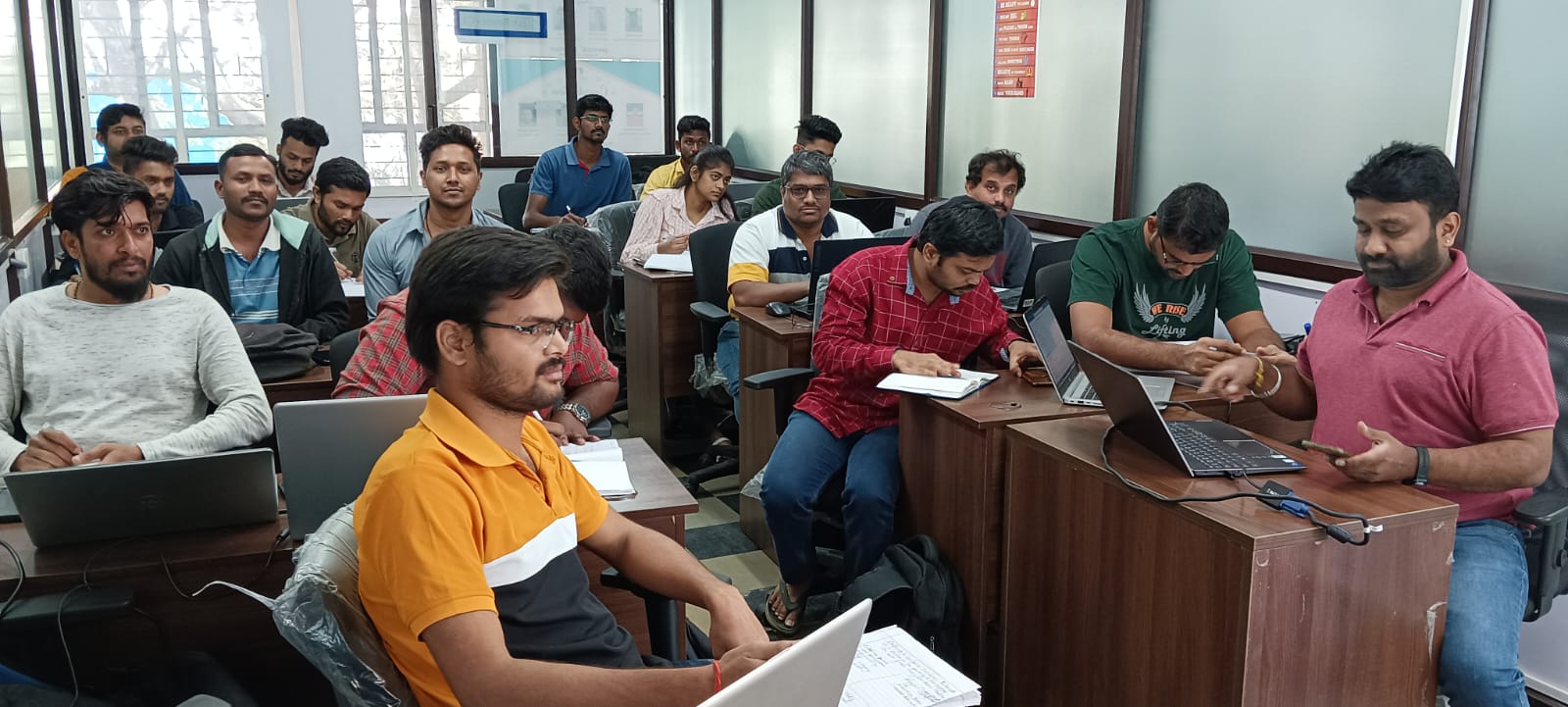
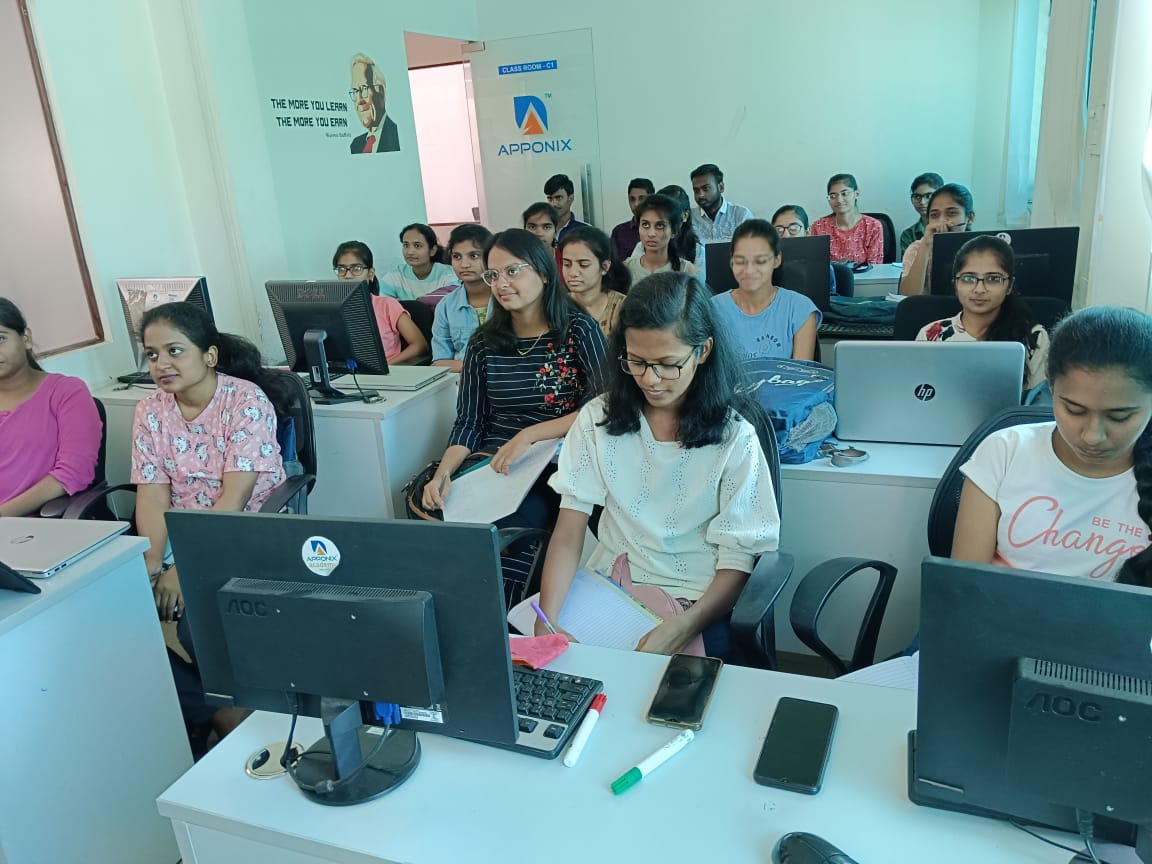
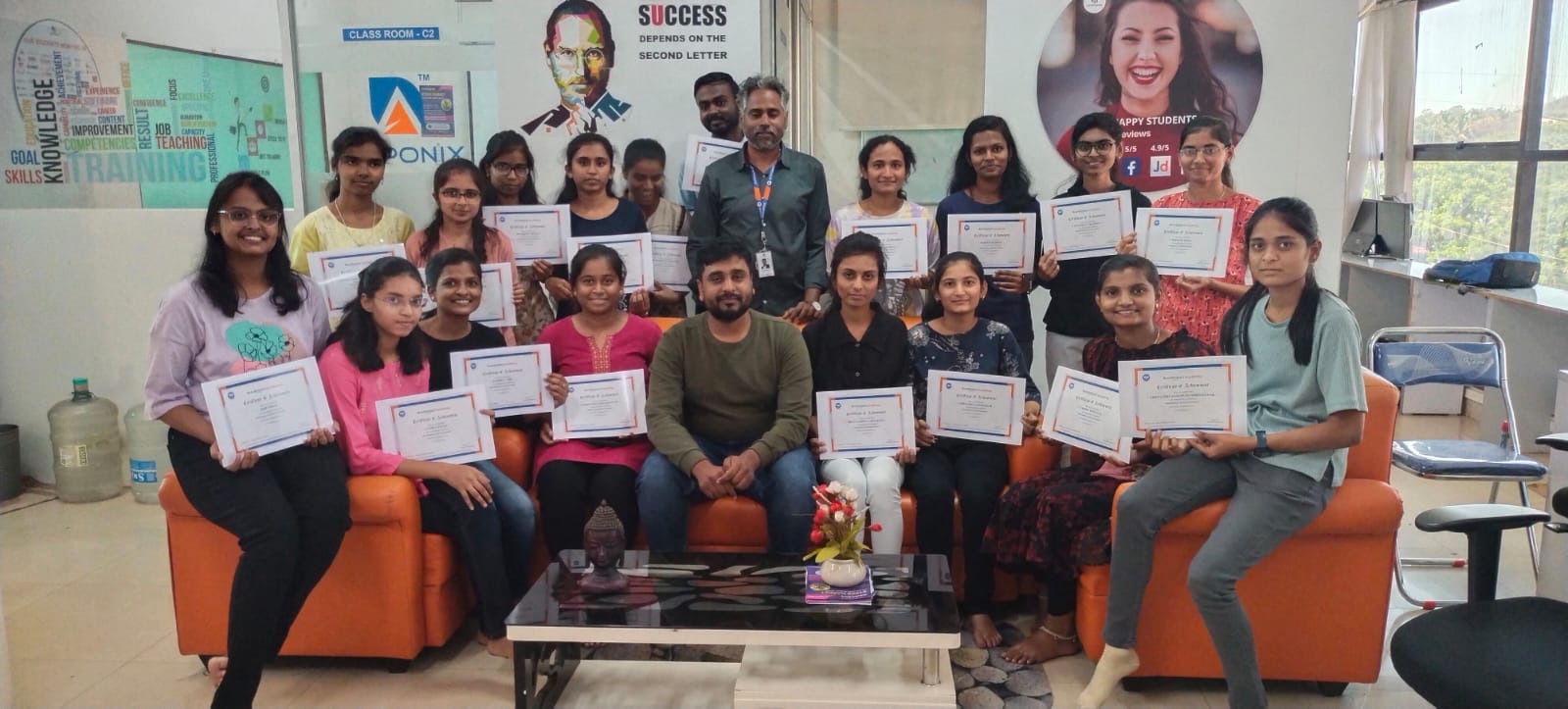
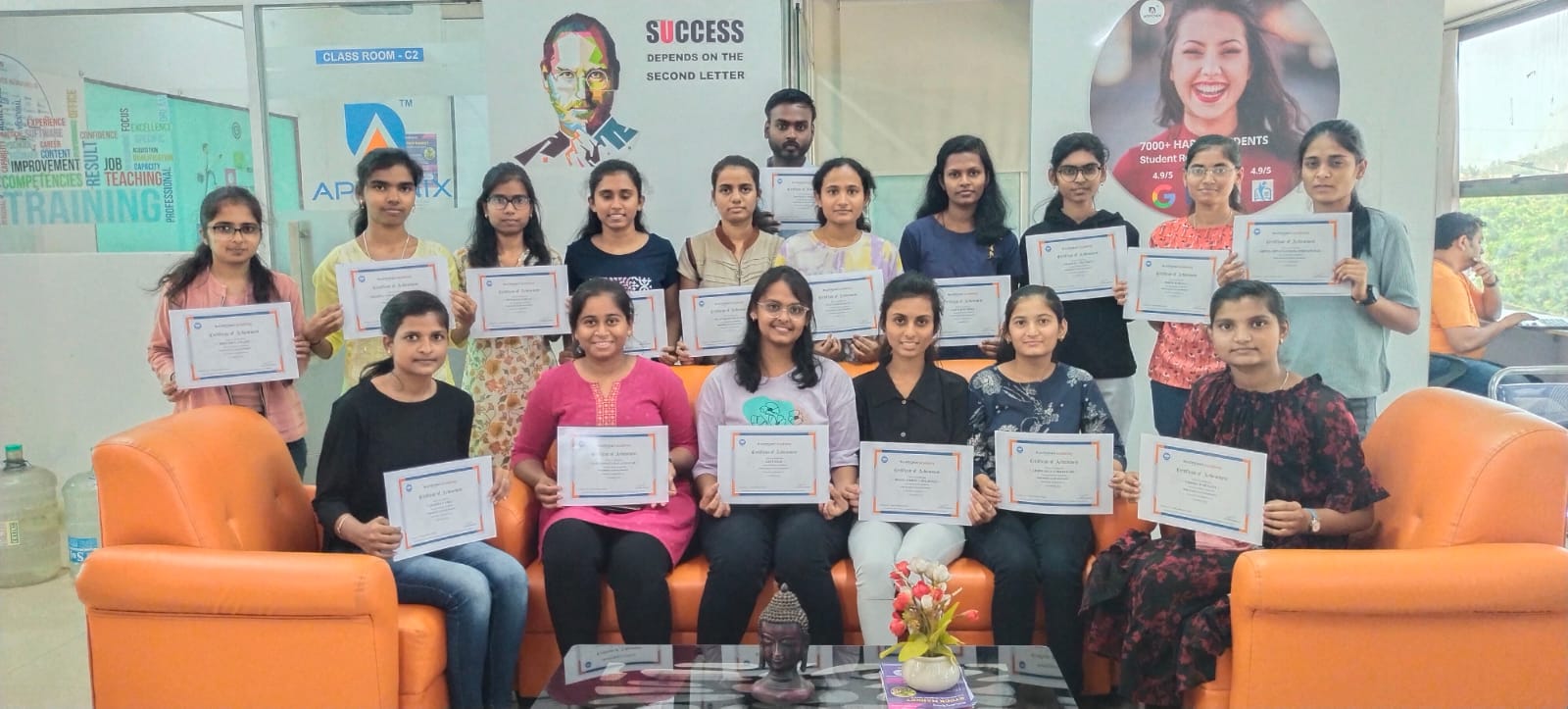
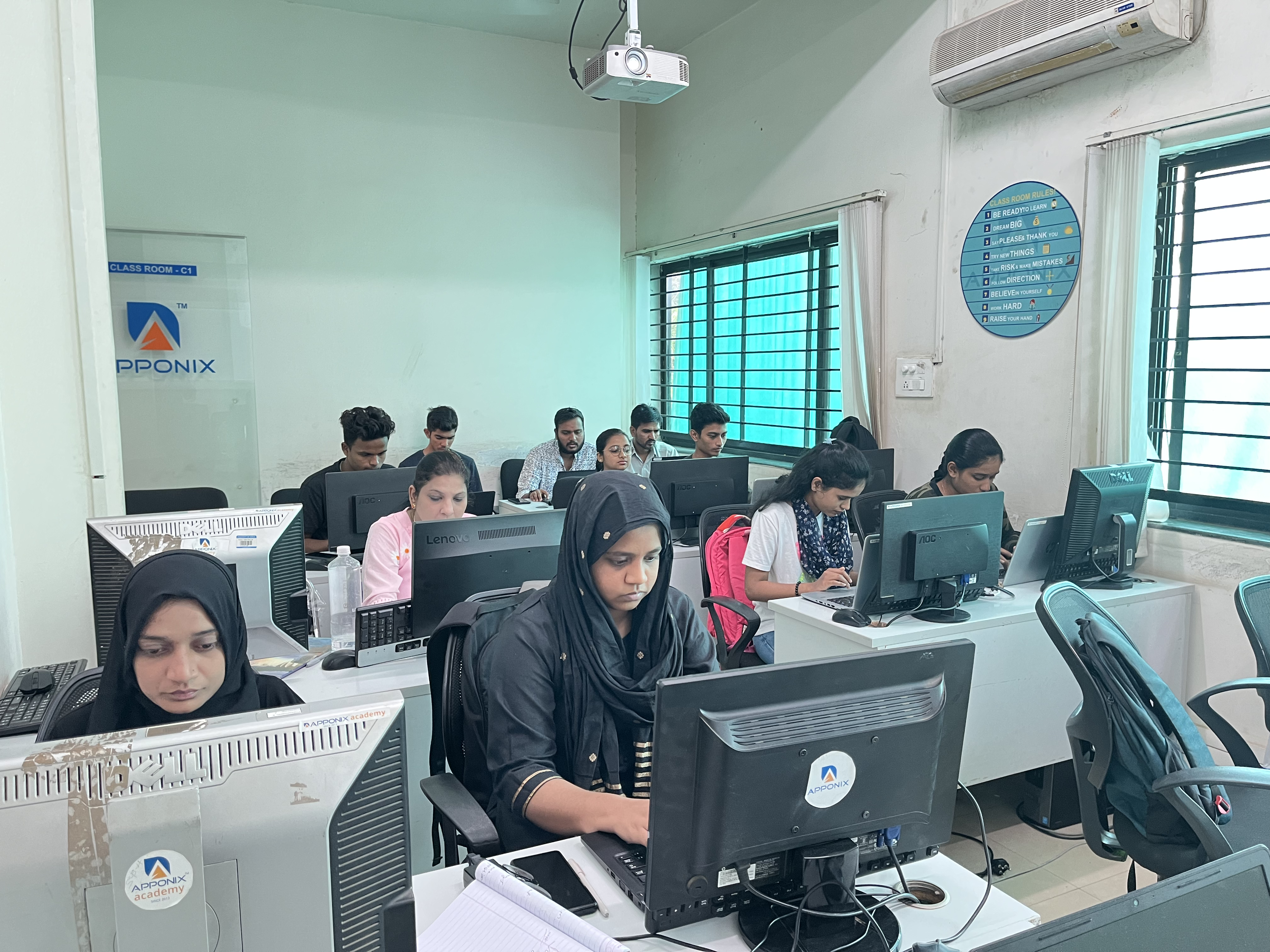
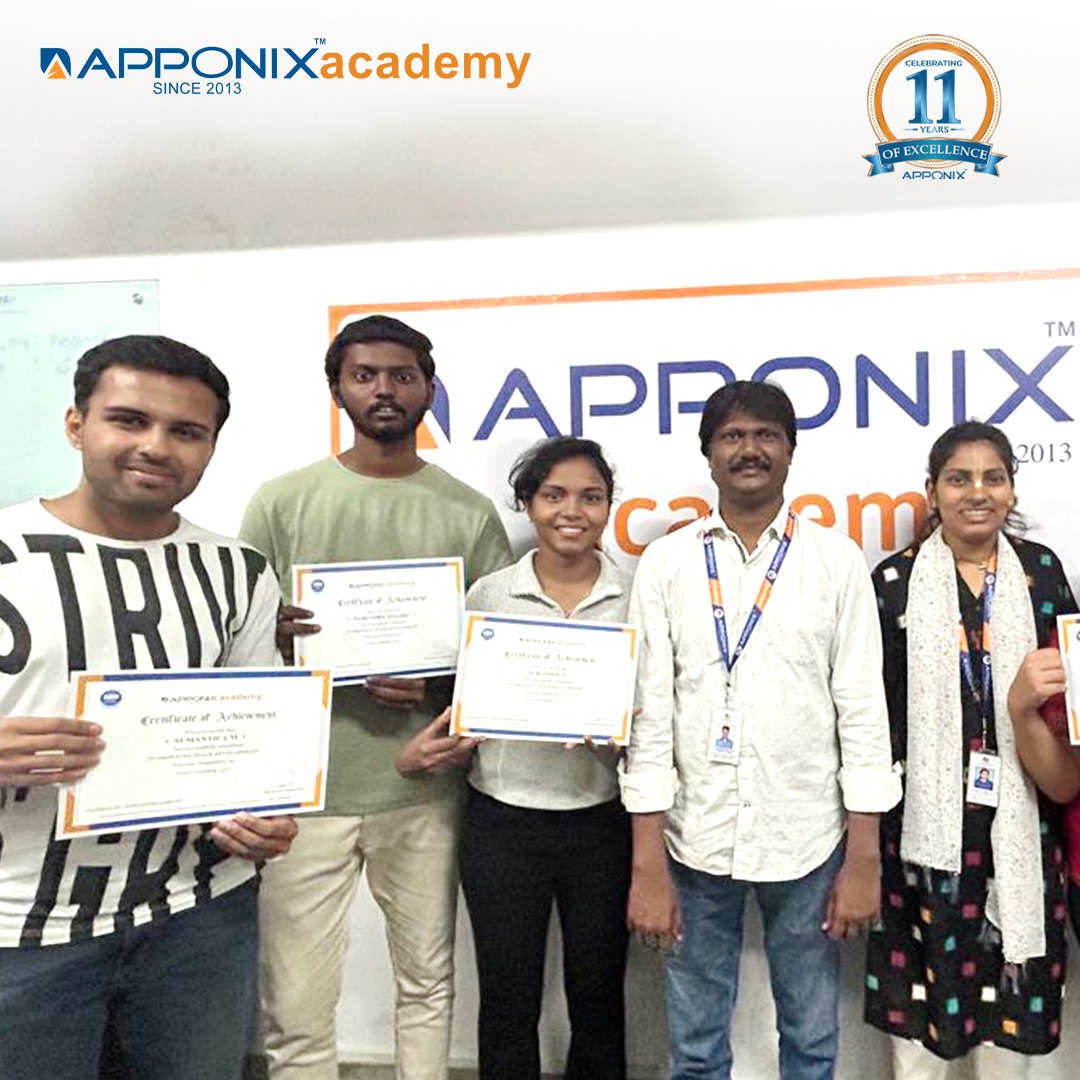
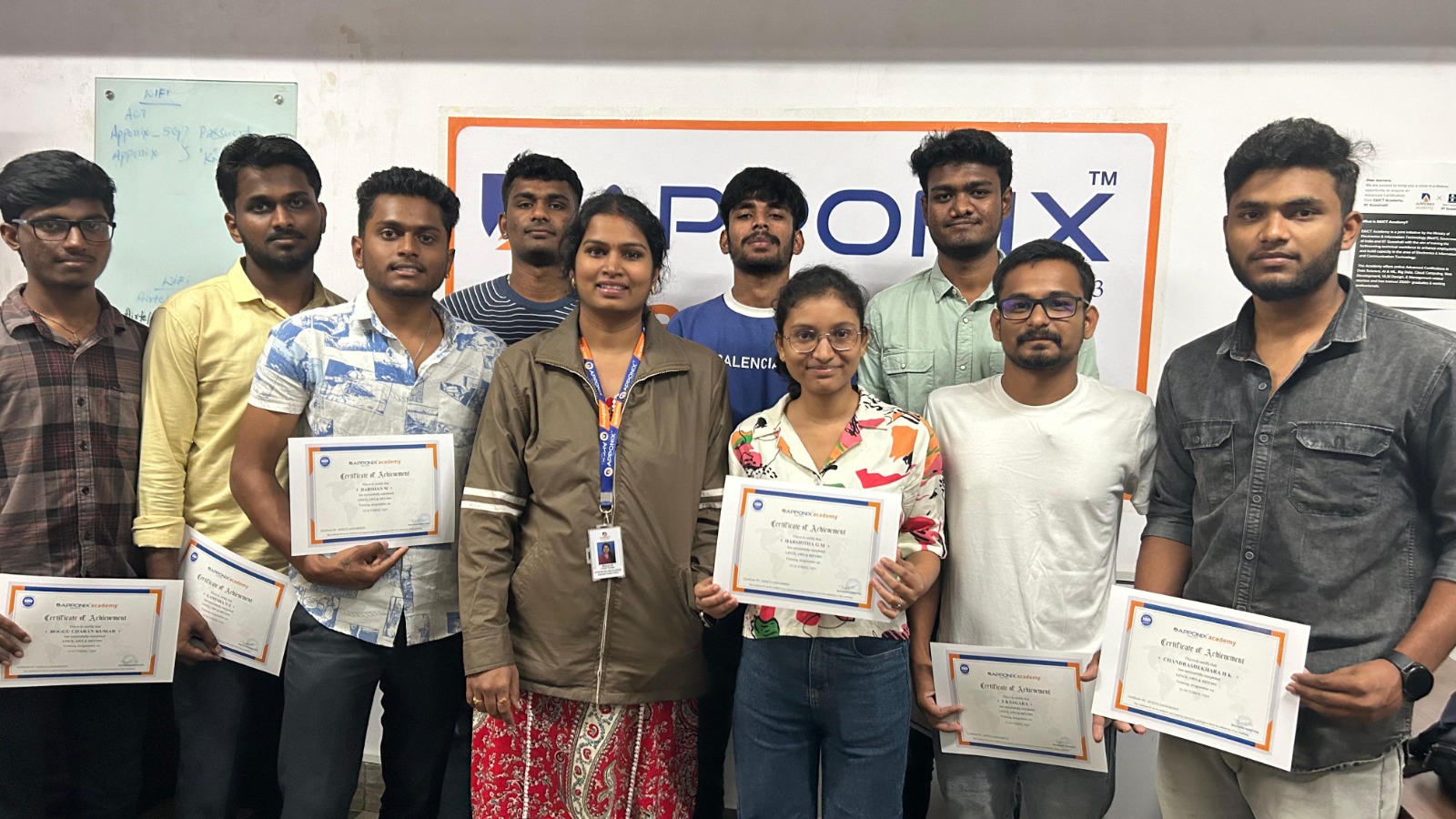
Cloud Computing Training Gallery
Cloud Computing Training Options
Class room Training
- Interactive Classroom Training Sessions
- 100+ Hrs Practical Learning
- Delivered by Working Professionals
- Realtime AWS Services Projects
- AWS Certification Assistance
- Excellent Classroom Infrastructure
- Daily 2 Hrs or Weekend 10 Hrs
- Assured Job Placement
- Eight to ten students per batch
- Doubts will be cleared in real time
Online Training
- Interactive Live Training Sessions
- 100+ Hrs Practical Learning
- Delivered by Working Professionals
- Realtime AWS Services Projects
- AWS Certification Assistance
- 1 Year Access to Recorded Sessions
- Daily 2 Hrs or Weekend 10 Hrs
- Placement assistance will be provided
- Doubt Clearing Sessions
- Regular assignments will be given and assessments will be taken
Self Paced Learning
- Understanding Cloud Fundamentals
- Prepare for the Microsoft Azure Fundamentals Exam (AZ-900)
- Become a Cloud Developer
- Prepare for the AWS Certified Cloud Practitioner Exam
- Prepare for the Microsoft Azure Administrator Exam (AZ-104)
- Google Cloud Platform for Enterprise Essential Training
Cloud Computing Training Syllabus
Prerequisites
Fresh graduates or Diploma holders or any one who wants to start their career in cloud computing. Our course syllabus covers all the skills required for a fresh graduate to start as cloud techie.
Cloud Computing Course Syllabus
Linux Syllabus
RH124 - Red Hat System Administration - I
1. Getting Started with Red Hat Enterprise Linux
Introduction and History of UNIX & Linux
- Overview of UNIX and Linux history and development.
- Key differences between UNIX and Linux operating systems.
Comparing CentOS, Red Hat Enterprise Linux, and Fedora
- Overview of each distribution and its intended use cases.
- Major differences in support, stability, and target audience.
Difference between UNIX and Linux
- Fundamental technical and philosophical differences between UNIX and Linux.
Defining Open Source, Linux Distributions, and Red Hat Enterprise Linux
- Explanation of open-source software and community-driven development.
- Overview of different Linux distributions and their purposes.
- Specific features and strengths of Red Hat Enterprise Linux (RHEL).
2. Downloading, Installing, and Understanding the Booting Process of Red Hat Linux
Downloading and Installing VirtualBox
- Step-by-step guide to downloading VirtualBox for virtualization.
- Installation steps for VirtualBox on various platforms.
Downloading and Installing Red Hat Linux
- Instructions on downloading RHEL from Red Hat’s official website.
- Installing RHEL on a virtual machine via VirtualBox.
- POST (Power-On Self Test): Initial hardware checks and diagnostics.
- BIOS/UEFI (Basic Input/Output System / Unified Extensible Firmware Interface): Roles and differences.
- MBR (Master Boot Record): Legacy partitioning and booting process.
- GRUB/GRUB2 (Grand Unified Bootloader): Importance in multi-boot environments.
- Systemd/Initd: Role in managing services and system initialization.
- Runlevels (Targets): Different targets for various system states.
Linux Architecture, Kernel, and Shells
- Linux Architecture Overview: Layers of the Linux system.
- Kernel: Core of the OS, handling hardware interaction.
- Interpreter and Shells: Bash, Zsh, and other popular shells.
- Memory Management: Virtual memory, caching, and processes.
3. Linux FHS (Filesystem Hierarchy Standard)
Understanding and Deep Dive into FHS
- Overview of Linux directory structure and purpose of each directory (e.g., /bin, /home,/etc).
- Importance of the FHS for organizing system files and ensuring compatibility.
4. Accessing the Command Line
Logging into a Linux System
- Steps for logging into Linux through the console or SSH.
- Running basic commands using the terminal.
Understanding Terminals (TTYs) and Shells
- What is TTY and how it differs from GUI terminals.
- Overview of different types of shells (Bash, Zsh, Fish).
- Basic commands and navigating through the shell environment.
- Creating, copying, moving, deleting, and organizing files.
- Overview of recursive and forced operations on directories and files.
File Content Commands
- Using commands to view and manipulate file contents:
- head, tail, cat, more, less for displaying contents.
- sort, uniq for organizing and filtering data within files.
Input-Output Redirection
- Understanding >, >>, and < for directing output and input.
5. Manage files from the command line
- Copy, move, create, delete, and organize files while working from the bash Shell.
- understanding the commands to create, move, create, delete, sorting with
- commands by recursively and forcefully head, more, less, tail, cat commands
- Use input-output redirection
6. Get Help in Red Hat Enterprise Linux
- Resolve problems by using local help systems
- Overview of available local help resources and guides.
- Using `help` and `man` Commands
- Detailed use of the `help` command for built-in shell commands.
- Using the `man` command to access manual pages for various Linux commands.
- Technical Support for Enterprise Linux
- How to access and utilize support from Linux enterprise solutions.
7. Create, View, and Edit Text Files
- Managing Text Files
- Creating, viewing, and editing text files directly from command output or using text editors.
- Using Text Editors: vi, vim, gedit, nano
- Introduction to editors and their editing modes.
- Basics of `vi`, `vim`, `gedit`, and `nano` editors.
- Understanding the Inode Structure
- Explanation of inodes, file metadata, and file storage.
8. Symbolic Links or Backup Methods
- Understanding Hard Links and Soft Links
- Differences between hard links and symbolic (soft) links.
- Commands to create and manage links.
9. Manage Local Users and Groups
- User and Group Management
- Creating, managing, and deleting local users and groups.
- Understanding Commands: useradd, userdel, usermod, groupadd, groupdel, groupmod, passwd, gshadow
- Command syntax and implementation of local password policies.
- Switching users and accessing different shell environments.
10. Control Access to Files
- Setting File System Permissions
- Understanding Linux permissions for files and folders.
- Using `chmod`, `chown`, `setfacl`, and `getfacl` to manage permissions.
- Applying Special Permissions
- Explanation and use of sticky bits for directories.
11. Monitor and Manage Linux Processes
- Process Management
- Evaluating and controlling processes on a Red Hat system.
- Key Commands: top, ps, lscpu
- Monitoring system processes and analyzing CPU information.
12. Control Services and Daemons
- Using systemd for Service Management
- Controlling and monitoring network services and system daemons.
- Key Commands: systemctl, service
- Understanding different service modes (status, start, stop, restart, enable).
13. Configure and Secure SSH
- Setting Up Secure Remote Access with SSH
- Configuring OpenSSH for secure remote access.
- SSH Authentication Modes
- Setting up SSH authentication using asymmetric keys (public/private key pairs) for password-less login.
- Enabling and managing password authentication.
14. File and Folder Transfer and Downloading
- Transferring Files Across Systems
- Methods for transferring files between Linux-Linux, Linux-Windows, and Linux-Mac systems.
- Understanding SFTP, SCP, and Rsync Commands
- Secure file transfer and remote copy techniques.
- Using WinSCP and FileZilla
- GUI tools for file transfer between systems.
- Downloading with wget and curl
- Command-line utilities for downloading files from the internet.
15. Analyze and Store Logs
- System and User Logs for Troubleshooting
- Locating and interpreting logs to troubleshoot system issues.
- Types of Logs
- Overview of system logs, user logs, and their locations.
16. Manage Networking
- Network Configuration on RHEL Servers
- Configuring network interfaces and IP settings.
- Networking Commands: iptables, netstat, telnet, ss, ifconfig, nslookup, dig
- Overview of networking commands for configuration and troubleshooting.
17. Archive and Transfer Files
- Archiving and Copying Files
- Techniques for archiving and transferring files between systems.
- Archiving Commands: zip, gunzip, bzip2, tar
- Command syntax and usage for compressing and archiving files.
18. Searching the Contents in Linux
- Content Search Utilities
- Using `grep`, `locate`, and `find` commands to search file contents and locations.
19. Install and Update Software Packages
- Package Management in RHEL
- Installing, updating, and managing software with package repositories.
- Commands: rpm, yum, wget
- Using `rpm` and `yum` for package management; downloading packages with `wget`.
20. Access Linux File Systems
- Accessing and Managing File Systems
- Inspecting and working with mounted file systems.
- Commands: fstab, mtab, blki
- Using system files and commands to manage file system mounting and identification.
21.Analyze Servers and Get Support
- Investigating Issues and Getting Support
- Troubleshooting using the web-based management interface.
- Accessing Red Hat support for server-related issues.
22. Comprehensive Review
- Hands-on Exercises
- Review and apply course concepts through practical exercises.
RH134 - Red Hat System Administration II
1 : Schedule Future Tasks
- Understanding cron jobs, crons, anacron, and crontab.
2 :Tune System Performance
- Understanding system memory, IOstat, and Network.
- Overview of
/proc,top, andpscommands. - Understanding virtual memory, system activity reporting, and
iostat.
3:Manage SELinux Security
- Importance of SELinux in Linux.
- Implementing SELinux modes: targeted, permissive, enabled, disabled, and enforcing.
4: Maintain and Manage Basic Storage
- Understanding file systems and file system types:
ext2,ext3,ext4,xfs,btrfs, etc. - Hard disk storage partitioning and formatting.
- Working with LVM (Logical Volume Management): creating, resizing, and extending LVM.
5: Network-Attached Storage or File Server
- Configuring NFS (Network File System): creating, accessing, and deleting NFS shares.
6 : Control the Boot Process
- Understanding run levels to control the boot process.
7: Manage Network Security
- Configuring IP tables.
- Working with Ethernet cards
AWS
1 Introduction to AWS
- Navigate the AWS Management Console
- Recognise AWS Global Infrastructure
- Describe the security measures AWS provides
- Create an Amazon EC2instance
- Remotely connecting to an EC2instance
- Setting up Amazon Linux and Apache webserver
- Browsing Amazon Machine Images(AMI)
- Specifying security groups and key pairs
- Creating new images off of running instances
2: AWS Storage
- Identify key AWS storage options
- Describe Amazon EBS
- Use Amazon EBS with AmazonEC2
- Working with Volumes and snapshots
- Transmitting data in/out of the Amazon cloud
3: Installing Software in your Amazon Instance
- Implementing a Web server in an Amazon Linux/Windows Instance
- Configure the firewall to access a Web server
4: Security in Public Cloud
- Security issues in PublicCloud
- Securing the Access : Creating a RSA Public/Private Key for VMs
- Creating a software firewall
- Configuring firewall rules
- Securing the access with an Elastic IPs
- Managing users with Identity Access Management(IAM)
5: Alternate access
- Using EC2 Command Line APIs [from Windows/Linuxmachines]
6: Load-balancing with EC2 and Auto Scaling
- Creating and using LoadBalancers
- Distributing incoming traffic with elastic loadbalancing
- Dynamically adding and removing instances with AutoScaling
7: Cloud Watch to be seen along with Auto Scaling
- Overview of Monitoring and Setting Alarms
- Visualising utilization metrics withCloudWatch
- Setting alarms to send and receive notifications
8: Simple Notification Services [to be seen along with Auto Scaling
- Using SNS to send Notifications
9: Amazon S3 Basics
- Creating Buckets
- Creating Folders
- Uploading Objects
- Making Objects Public
- Creating Buckets
- Securing Bucket/Object access
- Configuring a Bucket as Static Web Page
- Controlling Life Cycle of a Bucket
- Accessing Amazon Buckets from Windows/Linux desktops/Servers
10: Virtual Private Cloud
- Create a VPC [VPC with a Single PublicSubnet]
- Create and attach an Internet gateway
- Create an Amazon VPCsubnet
- Set up routing in the VPC
- Set up a security group to control the inbound and out bound traffic
- Launch an instance into the subnet
- VPC console to allocate an Elastic IP address and assign it to the instance
- Amazon EC2 console to terminate your instance and the Amazon VPC console to delete your VPC
11: AWS-RDS
- Overview of AWS RDS
- Launching a My SQL Database in RDS
- Creating Backups/Snapshots and Read Only DBs
- Connecting to RDS-DB using local DB-Clients
- Terminating a DB instance
12: AWS-IAM
- Creating Groups and Defining access policy
- Creating Users
- Login to AWS account using new users
13: Installing Software in your Amazon Instance
- Implementing a Web server in an Amazon Linux/Windows Instance
- Configure the firewall to access a Web server
14: AWS-Cloud Formation
- Introduction to Cloud Formation
- Launching instances in EC2 using Templates
15: AWS-Cloud Front
- Concepts of AWS-Cloud Front
- Host a Website with Cloud Front
16: AWS-Route53
- Creating a Failover setup for Load Balancers running in different AWS regions[users need to have a registered Domain]
- Health Check a private website
17 : AWS-Cloud Trial
- Using Cloud Trial to trail the API Calls
18: Hosting Applications with Elastic Beanstalk
- Improving application delivery with Platform as a Service(PaaS)
- Deploying scalable applications on the AWS cloud
- Selecting and launching an application environment (sample application in PHP and My SQL)
19 : Dynamo DB
- Overview of AWS Dynamo DB
- Dynamo DB Tables and Naming Conventions
- Data Types in Dynamo DB
- Dynamo DB Capacity Units
- Configuring Alarms
- Tacking Backup and Restore
20 : Lambda Function
- Overview of AWS Lambda
- Creating a Lambda Function withNode.js
- Lambda Pricing & Uploading Code
- Connecting Lambda Functions to API Gateway Endpoints
- Accessing Lambda Logs
- Getting Started with Body Mapping Templates
21: API Gateway
- Overview of API Gateway
- Create a RESTAPI
- Create Resource
- Create HTTP Methods
- Deploy API
- Integrating with Lambda function
22: Simple QueueService
- Overview ofSQS
- Create Standardqueue
- Create FIFO queue
- With Timer or Delay to a Standard queue
23: End user Computing, Organization setup and Resource Sharing with (SSO)
- Directory services (Launching AWS managed AD)
- SSO integration with AD users
- Work Email
- Work docks
- Workspaces
- AWS management SSO login
24: AWS System Manager
- Run command
- Content De-duplication
- Delete the queue
25: Compute
- 2 and 3 tier web architecture running in EC2 (windows and Linux)
- Multiple Child application Running in EC2 (windows and Linux)
- Light sail implementation
- ECS and ECR launching Docker images
- Understanding of launching On Demand Instances, Reserved, spot, Dedicated Hosts and Dedicated Instance
26: AWS-Automation with Python Boto3module
- Complete In Depth understanding and implantation AWS-Automation by usingBoto3 Module
- Launching EC2 and Entire VPC creation by using Python code.
- Creation S3 Buckets by writing python boto3module
- Creating IAM users and Roles and Polices by using Python boto3module
27: Security, Identity and Compliance Management
- Securing the web application by using the WAF
- AWS Inspector
- AWS security Manager (SSL/TLS Certificates)
- AWS Shield
- AWS Artifact
- AWS Key Management Service
- Compliance
- Patch Manager
28: AWS Cost Management
- AWS Cost Explorer
- AWS Budgets
- AWS Market place Subscriptions
DevOps
1: Devops Lab Setup tools for Linux and windows Environment
- GitBash installation and Github account setup
- Tomcat installation and Configuration
- Jfrog Artifactory installation and Configuration
- Maven Installation and Configuration
- Jenkins installation and Configuration
- Ansible Installation and Configuration
- Sonarqube installation and Configuration
- Docker Installation and configuration
- Java installation and Configuration
- Environmental variable setup for both windows and Linux
2: Introduction to Devops and Dev secops
- Introduction to DevOps
- What is DevOps?
- SDLC models, Lean, ITIL, Agile
- Why DevOps?
- History of DevOps
- DevOps Stakeholders
- DevOps Goals
- Important terminology
- DevOps perspective
- DevOps and Agile
- DevOps Tools
- Configuration management
- Continuous Integration and Deployment
3: Introduction to SDLC, Software testing, Agile: Software testing lifecycle
- Working with Blockbox testing
- Working with Whitebox testing
- Working Greybox testing
- Working with Function testing
- Working with Regressing testing, smoke testing, System testing, Integration testing etc.
4: Agile Methodologies:
- Process flow of Scrum Methodologies
- Project planning, scrum testing, sprint Planning and Release management
- Analysis
- Design, Execution and wrapping closure
5: LINUX Administration
- Introduction to Linux Families(ex: Redhat & Debian Family)
- Working with APT and YUM and Dnf
- Working with AWK and SED commands
6: Installation and Initialization:
- Installation, Package Selection
- Anatomy of a Kick start File, Command line
- Introduction to BashShell
- System Initialization, Starting the BootProcess : GRUB.
7: Boot and Package Management:
- Securing single-user mode(sulogin)
- Shutting down and rebooting the system
- RPM Package Manager, Installing and Removing Software, Updating a Kernel RPM
- Yum Command set, Install packages by using yum.
- Apt-get command set, Apt-cache package management.
8: User Administration:
- Understanding different types of groups and creation of groups
- Creation of users in different groups
- Understanding Passwd, Shadow Files
- Understanding passwd aging
- Creation of quotas for users, groups and file systems
- Understanding users security files
- The different commands for Monitoring the users
- TROUBLESHOOTING
- Automation of jobs–Cron, at
- Working with command star, find, grep, etc.
9: Run levels:
- Understanding the different types of run-levels
- Understanding different types of shutdown commands
- Understanding run control scripts
- Understanding the different types
Version Control/SCM (Git)
1: Introduction to Git
Ansible Modules
1:Introduction to Ansible
- What is Ansible
- Change Management
- Provisioning with Ansible
- Benefits of using Ansible
2: Ansible Building blocks and Processflow
- Introduction to Ansible Anatomy
- Ansible Requirements Specification
- Overview of Ansible Components
- Overview of Ansible Strategy
3: Ansible Playbook Modules and directory structure
- Introduction to Ansible Playbook
- Introduction to Ansible Modules
- Lab(Docs, setup, service, yum...etc)
4: Variable, Facts and jinja 2 templates
- Working with Ansible Variable
- Working with Facts
- Working with Jinja2 Template
5: Play and Playbooks
Docker Modules
1: Getting Started with Docker
- Introduction to Docker.
- What’s under the hood-Namespaces, C groups and Overlay FS
- Understanding Virtualization
- Virtualization vs Container
2: Docker Installation
- Creating a Virtual Docker Host(CentOS)by using Vagrant
- Installing Docker on CentOS
- Introduction to Docker namespaces
3: Docker Images
- Introduction to Docker Images
- Building a Docker Image with a Docker file
- Sharing Data in Your Docker Host with Containers
- Sharing Data Between Containers
- Copying Data to and from Containers
- Creatoing Docker Hub Account.
- Building Images using Docker File.
- Pull and Push Images From/To Docker Hub.
4: Docker Networking
- Introduction to Docker Networking
- Finding the IP Address of a Container
- Setting Up a Custom Bridge Network for Docker
5: Container Operations
6: Docker Compose
- Introduction to Docker compose
- Creating Docker compose file
- Executing Docker Compose file
Jenkins Modules
1: Introduction to Continuous Integration and Jenkins-CI/CD
- What is Continuous Integration
- Jenkins Continuous Integration
- What is Continuous Deployment
- Jenkins Vs Jenkins Enterprise
2: Jenkins Installation
- Downloading and Installing Jenkins using Tom Cat
- Creating Jenkins as a Service.
- Starting and Stopping Jenkins
3: Configure Jenkins and User Management.
- Secure Jenkins
- Create a new user
- Generates sh key for Jenkins user
- Plug-in management
4: Jenkins jobs setup
- Setting up a Jenkins job(Freestyle, Pipeline, maven, MS Build, Py build)
- Jenkins parameterized jobs setup(choice params, boolean params etc)
- Email notification jobs
- Parallel jobs configuration
- nodes(slaves) configuration
5: Jenkins Integration
- Git integration with Jenkins
- Maven Integration with Jenkins
- Ansible, Artifactory integration
- Docker and scanning tool integration
- AWS and code review
6: Jenkins User administration
- Role based administration
- Project based administration
- Metric based administration
- Slaves configuration
- Users and groups creation
Maven Modules
1: Build Tolls overview
- What is maven and Msbuild, Pybuild, gradleandant
- Maven Evolution
- Maven Objective and Environment setup
- Maven project creation
- What is POM. Xml and superPOM
- Maven build lifecycle creation and Default Build lifecycle
2: Customized Project and plugin setup
- Maven Project setup
- Maven plugin download and setup
- Maven Build automation with CI service
3: Maven Repositories and GAV snapshots.
- What is GAV and project and Snapshots, version
- Maven Web application creation withpom.xml
- What is Maven repository
- Local repo
- Central repo and Remote repo
- Maven Dependencies and plugin
Complete guide to Kubernetes
1: Introduction to Kubernetes
- The need for a Container Orchestration Engine
- Battles of COEs, which one to choose
- Key Features of a COE.
- What makes Kubernetes the defac to COE choice.
- Negatives of using Kubernetes
2: Key Concepts of Kubernetes
- Namespaces
- Pods
- Replica Sets and Deployments
- Service Discovery and Load Balancing
- Config maps, Storage, Network, RBAC
- Stateful sets, Crons and Jobs
- Kubernetes Architecture
3: Setting up Environment
- Provisioning and configuring on AWS
- Initialize Cluster with Kubeadm
- Setting up Weave CNI
- Launching Kubernetes Dashboard
- Setting up a Kubernetes Visualizer
- Resetting cluster created with kubeadm
4: Building blocks of Pods
- Introduction to pod
- Writing pod Specification
- Launching and Operating Pods(Logintothepod,browsingthewebUIofthepod)
- Attaching a volume to a Pod
- Launching Multi-Container Pods
- Connecting to Individual Containers
- Launching Replica Set and Fault Tolerance
- Solution part-Deploying a worker app
5: Managing Application Configurations with Config Maps and Secrets
- Introduction to Config Maps and Secrets
- Creating Config Map for Vote app
- Setting up Environment Specific Configs
- Adding Configs from Files
- Creating Secrets to Encrypt Database
- Setting Environment vars using Secrets.
6: Setting up Fire wall with Network Policies
- Creating default network policy for namespace
- Exposing public facing app and allowing inter namespace communication
Call Us On
+91 8050580888
Projects /Assignments
Project-1
Email Alert for Disk Usage Monitoring
Write a script that monitors disk usage on the root (/) partition using df -h, /.If usage exceeds 80%, send an alert email with current usage and timestamp. Use mail or sendmail to notify the system administrator.
This project teaches conditionals, string parsing, and system monitoring.
Project-2
Home Directory Backup Automation
Create a Bash script to back up all /home directories into /backups as tar.gz files.Each file must include a timestamp for uniqueness and tracking. Ensure the script is root-executable for security. Automate backups using cron jobs.
This enhances scripting, backup, and scheduling skills.
Project-3
Automating User Creation and Deletion
Develop a Bash script to add or delete users based on input.Check if the user exists before taking action.If adding, assign a default password; if deleting, confirm existence.Focus on input handling, conditionals, and user management. This project builds automation and user administration skills.
Our Top Instructors

Ms. Savita
DevOps & System Administrator – Mumbai, India
- 12+ years in Networking and System Administration with strong technical skills
- 8+ years working with Linux, Windows, and DevOps tools
- Experienced in managing CI/CD with Jenkins, Docker, Kubernetes, and Tomcat
- Proficient in server administration, network troubleshooting, and virtualization
Technical Skills
- Cloud & DevOps: AWS, Azure, Git, Jenkins, Docker, Kubernetes
- Operating Systems & Scripting: Linux, Windows, Python, Shell
- Virtualization & Networking: VMware, Cisco Networking
Educational Qualification
B.Sc IT – Mumbai University | Diploma in IT – MSBTE
Training & Mentoring
- Corporate trainer for AWS, Linux, DevOps, Kubernetes, VMware, and Python
- Trained 900+ students at Apponix Academy with a 4.9/5 average rating

Mr. Amit
VMware & Windows Server Specialist – India
- 10+ years of experience in VMware administration, currently leading multiple projects at an MNC
- Proficient in managing VCenter operations, host hardware alerts, and resolving escalated VM issues
- Capable of addressing VM performance issues, HA failures, and complex troubleshooting scenarios
- Experienced in LUN expansion, storage reclaim, and complete VM lifecycle management
Technical Skills
- Virtualization: VMware vSphere, VCenter, ESXi
- Backup & Recovery: TSM Backup, High Availability (HA)
- Performance & Troubleshooting: VM Monitoring, Host Alert Handling
Educational Qualification
- Bachelor’s Degree in Information Technology or equivalent (update with exact qualification if available)
Training & Mentoring
- Senior trainer at Apponix, known for student success and 4.9/5 average rating
- Provides personalized support in resume building, interview preparation, and job readiness

Shreenivas
Senior Cloud Specialist – India
- 18+ years of experience in cloud technologies across AWS, Azure, and Google Cloud
- Currently a Senior Cloud Specialist at Oracle, with a background in top global MNCs
- Expert in cloud architecture, multi-cloud deployments, and cloud automation
- Focused on building scalable, secure, and cost-efficient cloud solutions for enterprises
Technical Skills
- Cloud Platforms & Architecture: AWS, Azure, Google Cloud, High Availability, Cost Optimization
- Automation & Security: Terraform, CloudFormation, CI/CD, IAM, Encryption, Compliance
- Networking & Migration: VPN, Load Balancers, Data Transfer, Backup & Disaster Recovery
Educational Qualification
B.E. in Cloud Computing & Infrastructure Management – RV College of Engineering
Training & Mentoring
- Trained 900+ students at Apponix Academy with practical, hands-on cloud learning
- Provides personalized support for resume building, interviews, and career readiness

Naveen
Senior Cloud Specialist
- 10+ years of cloud experience; currently a Senior Cloud Specialist at Toyota
- Expert in multi-cloud deployments (AWS, Azure, GCP) with strong DevOps and automation skills
- Skilled in CI/CD, infrastructure as code (Terraform, Ansible), and cloud security practices
- Dedicated trainer known for delivering hands-on learning and personalized mentorship
Technical Skills
- Cloud Platforms: AWS, Azure, Google Cloud
- DevOps & Automation: Jenkins, Git, Docker, Kubernetes, Terraform, Ansible
- Systems & Scripting: Linux (Ubuntu, RHEL), Shell Scripting
Educational Qualification
Bachelor’s in Cloud Technologies & Infrastructure Management – Alliance University
Training & Mentoring
- Trained 1000+ students in cloud computing and DevOps with an average rating of 4.9/5
- Offers end-to-end support in resume building, mock interviews, and technical guidance

Shanu Ansari
Senior Cloud Specialist Manager
- 13+ years of experience in cloud computing; currently Senior Cloud Specialist Manager at Accenture
- Expert in cloud architecture, virtualization, and multi-platform implementations (AWS, Azure, GCP)
- Skilled in DevOps, serverless computing, and secure, scalable cloud-native deployments
- Led enterprise-level cloud migrations and delivers project-based learning with strategic mentoring
Technical Skills
- Cloud Platforms: AWS, Azure, Google Cloud
- DevOps & Architecture: CI/CD, Infrastructure as Code, Serverless, Virtualization
- Security & Networking: IAM, Cloud Governance, Load Balancing, VPN
Educational Qualification
Bachelor’s Degree in Cloud Technologies & System Architecture from the Indian Institute of Science.
Training & Mentoring
- Trained 1000+ students at Apponix Academy with hands-on cloud and DevOps sessions
- Offers resume support, mock interviews, and rated 4.9/5 for mentoring excellence

Bhavya
Senior Azure Specialist
- 11+ years in cloud computing, currently at TCS with expertise across AWS, Azure, and GCP
- Skilled in CI/CD, automation, and container orchestration using Jenkins, Docker, and Kubernetes
- Proficient in Linux administration, infrastructure automation, and serverless architecture
- Strong in monitoring, security practices, and hands-on mentoring for career readiness
Technical Skills
- Cloud Platforms: AWS, Azure, Google Cloud
- DevOps & Automation: Jenkins, Docker, Kubernetes, Terraform, CI/CD
- Monitoring & Security: Grafana, CloudWatch, IAM, VPC, Shell Scripting
Educational Qualification
Bachelor’s Degree in Cloud Computing & DevOps – Nitte Meenakshi Institute of Technology
Training & Mentoring
- Trained 900+ students at Apponix Academy with practical, hands-on cloud and DevOps instruction
- Provides personalized support in resume building, interview prep, and job readiness with 4.8/5 ratings
Overview of Cloud Computing Course in Bangalore
Apponix’s Cloud Computing Course in Bangalore provides comprehensive, practical training to help learners build the skills required to work with modern cloud technologies and infrastructure. The course introduces participants to core cloud computing concepts, cloud architecture, virtualisation, storage, networking, security and resource management, along with hands-on training on leading platforms such as AWS, Microsoft Azure and Google Cloud.
Learners also gain exposure to Docker, Kubernetes, DevOps, cloud deployment, monitoring and infrastructure automation through practical exercises and real-world projects. Designed for both beginners and IT professionals, the course focuses on developing job-ready technical skills while providing a strong foundation for careers in cloud computing, cloud administration, cloud development and DevOps.
What Is Cloud Computing?
Cloud computing refers to the delivery of computing resources such as servers, storage, databases, networking and software over the internet. It enables businesses to access IT resources on demand without depending entirely on physical infrastructure. Learning cloud computing helps professionals understand how cloud environments are designed, deployed, managed, secured and scaled using platforms such as AWS, Microsoft Azure and Google Cloud.
Benefits of Cloud Computing Course in Bangalore
A Cloud Computing Course in Bangalore helps learners develop practical, industry-relevant skills while building a strong foundation in cloud technologies.
- Hands-on experience with leading cloud platforms
- Practical understanding of cloud infrastructure and deployment
- Knowledge of cloud security, networking and storage
- Exposure to DevOps, Docker and Kubernetes
- Real-world projects and practical assignments
- Suitable for beginners and working IT professionals
- Helps prepare learners for cloud-focused career opportunities
Key Takeaways After Cloud Computing Training
Learners completing the training can gain the technical knowledge and practical exposure required to work with cloud-based environments.
- Understanding of cloud architecture and service models
- Ability to configure and manage cloud resources
- Knowledge of cloud networking and storage
- Understanding of IAM and cloud security practices
- Experience with cloud deployment and monitoring
- Familiarity with Docker, Kubernetes and DevOps
- Exposure to infrastructure automation and cloud migration
- Practical experience through industry-oriented projects
Career After Cloud Computing
A career in cloud computing offers opportunities across cloud infrastructure, application development, IT operations, DevOps and security. As businesses increasingly adopt cloud-based technologies, professionals with practical cloud skills can explore a range of roles and build their careers across different industries.
Completing a Cloud Computing Course in Bangalore can provide learners with the technical foundation and hands-on experience needed to pursue entry-level and advanced cloud-related positions.
Industries Hiring Cloud Professionals
Cloud professionals are required across a wide range of industries that rely on scalable and secure digital infrastructure.
- IT and software development
- Banking and financial services
- E-commerce and retail
- Healthcare and pharmaceuticals
- Telecommunications
- Manufacturing
- Media and entertainment
- Startups and technology companies
Job Opportunities After the Course
Cloud computing skills can help learners explore various roles across cloud infrastructure, development, administration and DevOps.
- Cloud Engineer
- Cloud Administrator
- Cloud Developer
- Cloud Support Engineer
- DevOps Engineer
- Cloud Security Engineer
- Cloud Solutions Architect
- Cloud Infrastructure Engineer
Career Growth in Cloud Computing
With practical experience and advanced certifications, professionals can progress from entry-level cloud support and administration roles to specialised positions involving cloud architecture, DevOps, security and infrastructure management. Continuous learning in emerging technologies such as cloud automation, Kubernetes, serverless computing and multi-cloud environments can further support long-term career growth.