POPULAR COURSES
Master Programs




Table of contents:
|
1. The Best Beginner Projects to Start With
|
|
2. Top Projects for Data and Artificial Intelligence
|
|
3. Great Projects for Web Development
|
|
4. What Hiring Managers Actually Look For in Your Code
|
|
5. The Apponix Advantage: From Code to Career |
|
6. Conclusion |
In the past, students just needed a college degree to get a good job. Today, things are very different. When you apply for a job in software, companies do not just look at your grades. They want to see proof that you can actually write code.
Your GitHub profile is that proof. It acts like a digital display folder for all your hard work. By working on GitHub projects, you show hiring managers exactly what you can build. It shows you understand how to solve problems and work with other people online.
However, starting on GitHub can feel scary when you are a beginner. You might not know what to build first or how to share your code. That is exactly why we created this guide. We will show you the top twelve projects that will make your resume look amazing.
We at Apponix Academy, a top Training Institute in Bangalore, know exactly what companies are looking for. We help students turn simple code into real projects that get them hired. Let us look at the best beginner projects you can start right now.
We will be looking at the projects in such a way that, what the project is, what you should do about it and if the employers care about it.
The Best Beginner Projects to Start With
If you are just starting your coding journey, your goal should be to build things that help you master the fundamentals without making you feel overwhelmed. While our competitors often give you overwhelming lists of corporate source code, we have picked four highly actionable projects that are perfect for a first-year programming student.
Here are the best beginner projects to kickstart your portfolio.
1. The First Contributions Project
Tech Stack Used: Git, GitHub Commands
Inspiration Repository: firstcontributions/first-contributions
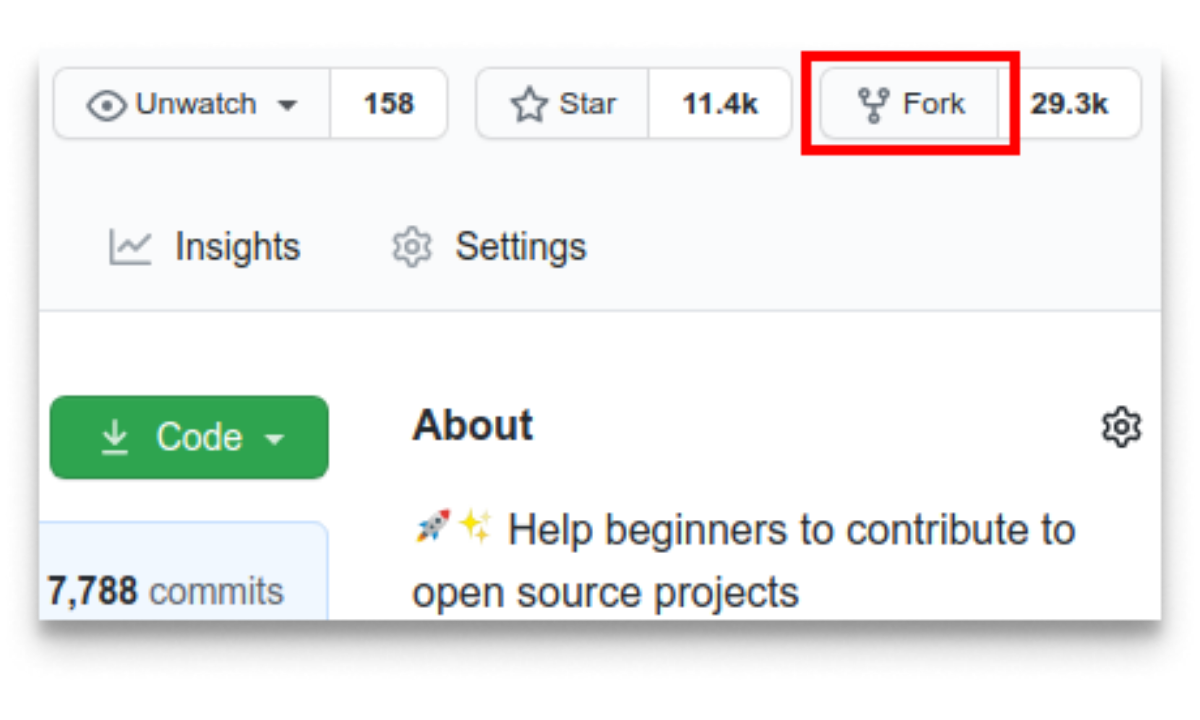
What This Project Is: This is a highly popular, open source repository designed specifically to help absolute beginners practice making their very first change to a public codebase. It acts like a digital sandbox where you can learn the exact steps of cloning code, editing it, and sending it back without the fear of messing anything up.
What You Will Do: You will fork this repository, clone it to your local machine, add your name and GitHub profile link to the contributors text file, and then submit a pull request to merge your changes back into the main project.
Real World Relevance: Every single software development team in the modern world uses Git version control to collaborate. Learning how to cleanly pull code, make a change, and push it back up is the most fundamental, daily skill you will use across your entire career.
The Apponix Tip: Complete this project on your very first day of opening a GitHub account. It takes away the initial fear of using the command line and instantly puts a green contribution dot on your profile graph.
2. The App Idea Dashboard
Tech Stack Used: HTML, CSS, JavaScript, or Python
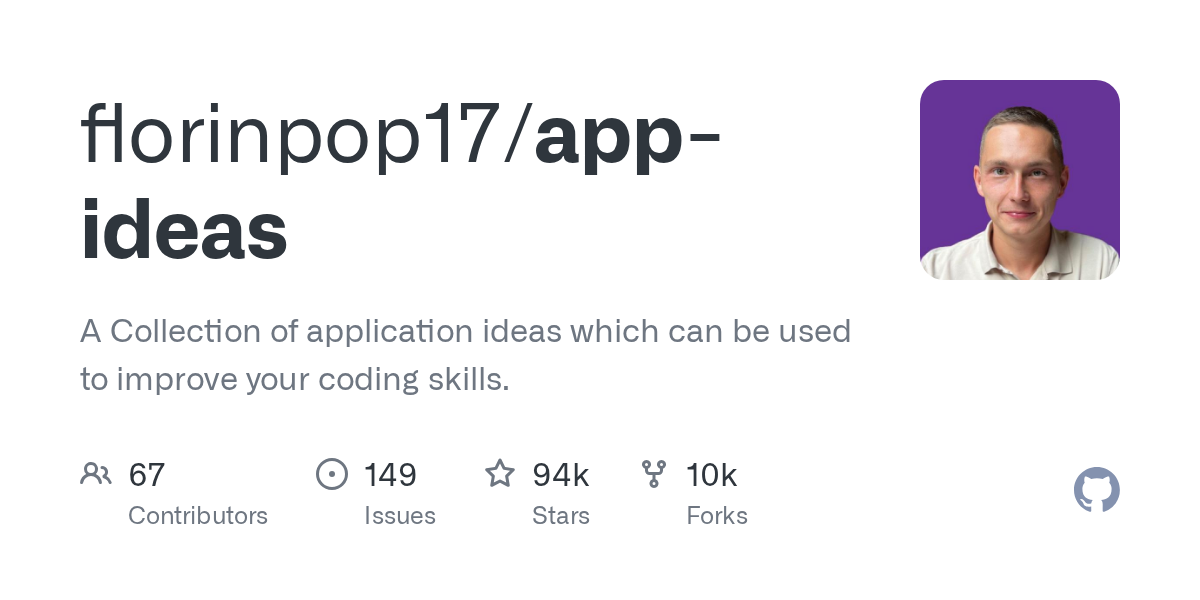
Inspiration Repository: florinpop17/app-ideas
What This Project Is: Created by a well-known developer, this repository is a massive blueprint collection that solves the biggest beginner problem: running out of creative ideas for practice apps. Instead of just giving a list of names, it gives you complete feature checklists and functional requirements for dozens of beginner-tier applications.
What You Will Do: Select an entry-level concept from the list, such as the "Bin2Dec" binary converter or a "Countdown Timer," read their feature specifications, and write the application from scratch using your chosen language.
Real World Relevance: In a corporate job, a client or project manager will never give you code instructions; they will give you a list of business requirements. This project trains you to read a functional requirement sheet and translate human requests into actual code logic.
The Apponix Tip: Do not just stop when the app works. Go to the "Bonus Features" section included in each idea blueprint and try to build those extra tasks to push your problem-solving limits.
3. The Microsoft Web Developer School
Tech Stack Used: Vanilla HTML, CSS, JavaScript
Inspiration Repository: microsoft/Web-Dev-For-Beginners
What This Project Is: This is an extensive, free tutorial and project repository curated by Microsoft's engineering team to help students build a solid foundation in web architecture. It skips complex third-party libraries and focuses heavily on teaching you how the core languages of the browser interact with each other.
What You Will Do: Follow the structured modules to build their native browser projects, which include an interactive typing game, a custom virtual keyboard, and a fully functional browser-based digital clock.
Real World Relevance: Many modern students jump straight into complex frameworks like React or Angular without actually understanding how JavaScript manipulates a webpage. Mastering these raw web elements ensures you can build lightning-fast websites that do not rely on bloated external tools.
The Apponix Tip: Once you complete one of the browser games, look into the code files and change the visual theme, modify the game rules, or add custom sound effects to make it uniquely yours before sharing it.
4. The Public Education Companion
Tech Stack Used: Markdown, Git, Basic Documentation
Inspiration Repository: freeCodeCamp/freeCodeCamp
What This Project Is: This is the master codebase for one of the largest free learning platforms on earth. Because it is entirely open source, its massive library of programming lessons, documentation files, and curriculum guides is completely maintained and improved by students just like you.
What You Will Do: Navigate to their documentation or translation directories to find small formatting errors, broken external links, outdated explanations, or areas where you can translate English instructions into your native regional language.
Real World Relevance: A massive part of a software engineer's job is writing and maintaining clear technical documentation. Contributing to a major learning hub proves that you know how to write clear text and clean files that millions of global learners can understand.
The Apponix Tip: When you submit your documentation fix, write a very polite and detailed description explaining your change. Learning to communicate smoothly with project reviewers is just as valuable as writing the code itself.
Top Projects for Data and Artificial Intelligence
Data and Artificial Intelligence are the fastest-growing areas in technology today. If you want to enter this exciting field, you need to show that you can handle large amounts of information and teach computers how to find patterns.
Here are four fantastic projects that will introduce you to the world of data science without overwhelming you with complex math.
5. The Microsoft Data Science School
Tech Stack Used: Python, Pandas, Jupyter Notebooks
Inspiration Repository: microsoft/Data-Science-For-Beginners
What This Project Is: Microsoft built this massive free course to teach students the absolute basics of working with data. It covers everything from cleaning messy information to creating colorful charts that tell a story about the numbers.
What You Will Do: You will download their practice datasets and follow the lessons to find hidden patterns. You will learn how to filter out bad data and build a simple machine learning model that makes basic predictions.
Real World Relevance: Every tech company generates millions of data points a day, but raw numbers are useless without someone to organize them. Knowing how to clean and visualize data is the first step to becoming a real data scientist.
The Apponix Tip: Reading the code is not enough. If you want to truly master this subject, joining a structured Data science course in Bangalore helps you understand the deep logic behind the code much faster.
6 The Python Data Science Handbook
Tech Stack Used: Python, NumPy, Scikit-Learn
Inspiration Repository: jakevdp/PythonDataScienceHandbook
What This Project Is: This is the digital version of one of the most famous data science textbooks in the world. The creator uploaded every single code example from the book directly to GitHub so students can play with the real code while they read.
What You Will Do: You will open the provided project files and run the code yourself. You can change the math variables, swap out the datasets, and instantly see how the charts and predictions change on your screen.
Real World Relevance: In the real world, data scientists constantly test different mathematical models to see which one gives the most accurate answer. This project lets you practice that exact testing process safely on your own computer.
The Apponix Tip: Try combining two different chapters. Take a data cleaning method from chapter three and use it on a machine learning model from chapter five to see if it makes your final predictions better.
7 Real-Time Face Detection

Tech Stack Used: Python, OpenCV
Inspiration Repository: shantnu/Webcam-Face-Detect
What This Project Is: Artificial intelligence is not just about numbers; it is also about teaching computers how to see the world. This beginner project uses a famous computer vision library to find human faces through your webcam in real time.
What You Will Do: You will use a pre-trained AI model that already knows what a human face looks like. You will write a short Python script that turns on your webcam, looks at the live video feed, and draws a bright green box around your face.
Real World Relevance: Computer vision is used everywhere today, from unlocking your phone with your face to self-driving cars that need to recognize stop signs. This project introduces you to the amazing basics of image processing.
The Apponix Tip: Once you get the green box working, try changing the code to detect something else, like a pair of eyes or a smile, using different pre-trained files provided by the library.
8 The Titanic Survival Predictor
Tech Stack Used: Python, Pandas, Machine Learning Basics
Inspiration Repository: datasciencedojo/datasets
What This Project Is: This is the most famous beginner machine learning project on the internet. You are given a massive list of real passengers from the Titanic ship, and you must build an AI model that predicts who survived and who did not based on their ticket details.
What You Will Do: You will feed passenger details like age, ticket class, and gender into a simple machine learning algorithm. The algorithm will find patterns in the data and guess the survival chances of new passengers.
Real World Relevance: The logic used to predict survival on the Titanic is the same logic banks use to predict if a person will pay back a loan or default on it. It teaches you how to use historical data to guess future outcomes accurately.
The Apponix Tip: Upload your final prediction code to your GitHub profile and write a clear summary explaining which passenger detail was the most important for predicting survival.
Great Projects for Web Development
Building the front part of a website with buttons, colors, and images is a great start. But if you want to stand out to employers, you need to show that you understand the "backend." The backend is the invisible engine that saves user passwords safely, stores data, and makes sure the website runs smoothly.
Here are four excellent web development projects that teach you how to build real, professional applications.
9. The Open Source Firebase Alternative
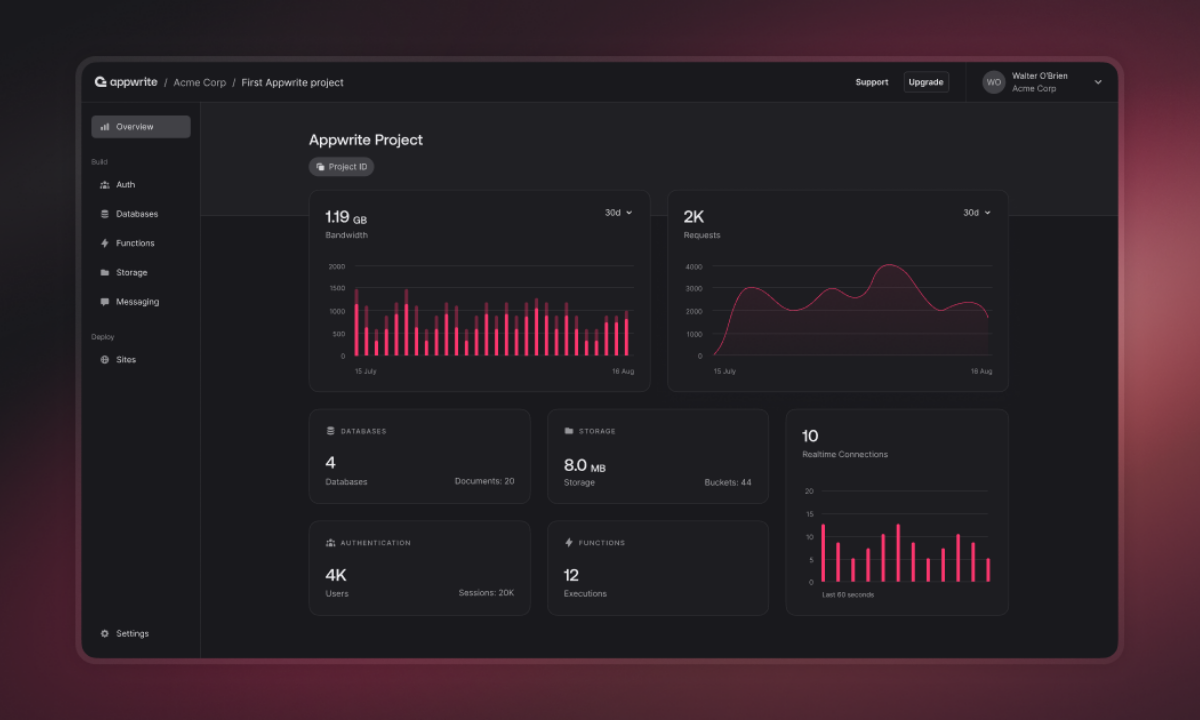
Tech Stack Used: JavaScript, Docker, Backend APIs
Inspiration Repository: appwrite/appwrite
What This Project Is: Appwrite is a complete backend server packaged into one platform. Instead of writing thousands of lines of code to create a login system or a database from scratch, this project gives you ready-made tools to plug right into your website.
What You Will Do: You will follow their starter guide to connect a simple HTML website to the Appwrite server. You will build a working login page where users can create an account and save their profile details safely into the database.
Real World Relevance: In a corporate job, developers rarely build databases from scratch because it is too risky. Learning to connect your website to a secure, pre-built backend service is exactly how modern startups build applications quickly.
The Apponix Tip: Once your login page works, try adding a feature that lets users upload a profile picture to the Appwrite storage system.
10. The Supabase Database Explorer
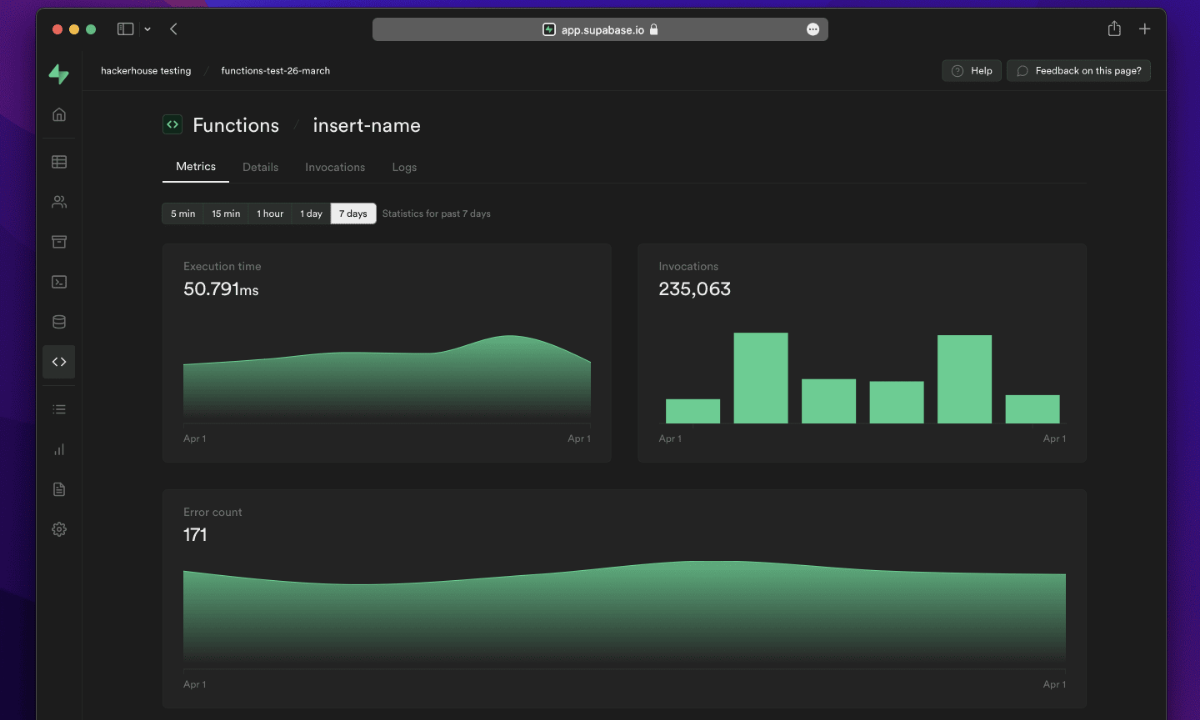
Tech Stack Used: SQL, JavaScript, React
Inspiration Repository: supabase/supabase
What This Project Is: Supabase is a massive open-source project that gives you a professional-grade PostgreSQL database. It is famous for its real-time features, meaning if data changes in the database, your website updates instantly without the user having to refresh the page.
What You Will Do: You will create a free Supabase project and write simple SQL commands to create a table for storing data. Then, you will connect it to a basic webpage that displays that data live.
Real World Relevance: Financial apps and live sports websites rely on real-time data. Proving that you know how to push live database updates directly to a user's screen makes you a highly valuable full-stack developer.
The Apponix Tip: Use Supabase to build a live comment section. When one user types a comment, it should magically appear on another computer screen instantly.
11. The E-Commerce Shopping Cart

Tech Stack Used: HTML, CSS, JavaScript, LocalStorage
Inspiration Repository: Search GitHub for "vanilla JS shopping cart"
What This Project Is: This is a classic beginner project where you build the core logic of a digital store. It tracks what a user clicks on, adds up the total price, and remembers the items even if the user accidentally closes the browser tab.
What You Will Do: You will write a script that adds a product to a digital cart when a button is clicked. You will write the math logic to calculate taxes and totals, and use the browser's local memory to save the cart data.
Real World Relevance: Handling digital money and shopping carts requires extreme attention to detail. This project proves to an employer that you understand how to manage user data safely without making math errors that could cost the company money.
The Apponix Tip: Add a feature where the user can type in a fake coupon code (like "SAVE20") and write the code that successfully reduces the final price by twenty percent.
12. The Real-Time Chat Room
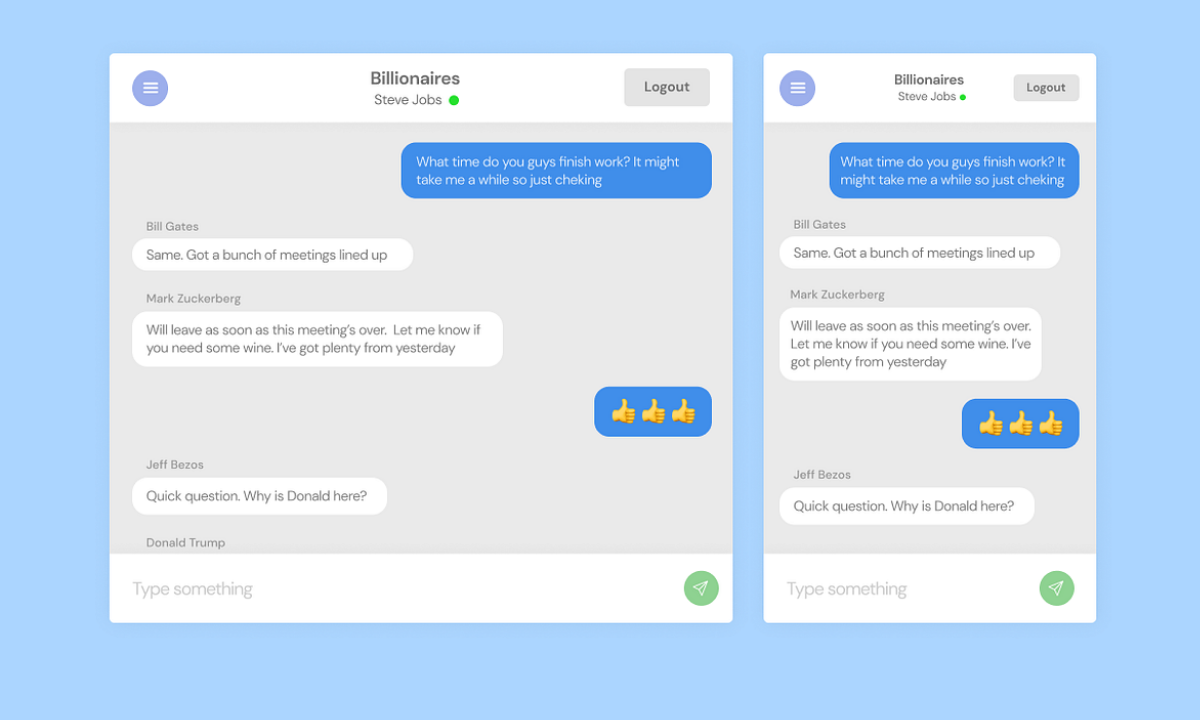
Tech Stack Used: Node.js, Socket.io, HTML
Inspiration Repository: socketio/chat-example
What This Project Is: This project teaches you how to build a live chat room, just like WhatsApp or Discord. It uses a special technology called WebSockets to keep a constant, open connection between two computers so messages can travel back and forth instantly.
What You Will Do: You will build a simple server that listens for incoming text messages. When one person sends a message, your server will immediately broadcast that exact text to everyone else connected to the chat room.
Real World Relevance: Knowing how to build two-way communication is a massive bonus for any tech job. It proves you understand how internet networks talk to each other without delays.
The Apponix Tip: Try adding a feature that shows a "User is typing..." message when someone starts pressing keys on their keyboard.
What Hiring Managers Actually Look For in Your Code
You might think that writing the hardest, most complicated code will get you hired. This is a massive myth. When a hiring manager looks at your GitHub profile, they usually only have one minute to make a decision. They are not reading every single line of your code. They are looking for four specific signs that you are a professional.
1. The Instruction Manual (The README File)
Every project on GitHub has a front page called a README file. This is exactly like an instruction manual that comes with a new toy. If your project does not have a README, the manager will just close the page. You need to write a simple paragraph explaining what the project is, what tools you used to build it, and how to run it. If you can explain your code clearly in English, it proves you can communicate well with a team.
2. A Working Live Demo
Managers do not want to download your code, install all the tools, and try to run it on their own computers just to see if it works. They want to click a simple link and see the website open immediately in their browser. Always use free hosting tools to put your project live on the internet. If they can instantly interact with your app, they will trust your skills.
3. Clean and Simple Code
If you have a messy room, it is hard to find your clothes. Code is the same way. Managers look for clean, organized files with simple, logical names. If they open your project and see a huge mess of confusing code, they will assume you are going to make a mess of their company's projects, too. Simple code that is easy to read is always better than complex code that no one understands.
4. A Steady Work History
GitHub shows a calendar on your profile. Every time you save your work online, you get a green dot for that day.
Managers do not want to see someone who coded for one week and then stopped for three months. They want to see a steady pattern of small green dots over time. This proves you are hardworking, disciplined, and that you practice your skills regularly.
The Apponix Advantage: From Code to Career
Trying to learn how to code all by yourself can be incredibly frustrating. When your code breaks and you do not know why, you might spend days trying to fix a single error. You might also worry if your projects are actually good enough to show to a real boss.
This is exactly why you need a guide. As a top Training Institute in Bangalore, Apponix Academy makes sure you never have to struggle alone. Our expert teachers work with you in practical labs to build these exact GitHub projects step by step. If you make a mistake, they show you how to fix it the right way, just like in a real tech company.
If you loved the AI and data projects on our list, our popular Data Science course in Bangalore will teach you exactly how to build those advanced prediction models from scratch.
Most importantly, we do not just teach you and leave you alone. Once your GitHub profile is packed with clean, working projects, our placement team takes over. Through our placement assurance program, we bypass the normal job portals and send your resume directly to our hiring partners, guaranteeing you real job interviews.
Conclusion
When you sit in a job interview next year, the hiring manager is not going to ask about your college grades. They are going to look at your GitHub profile and ask what you have built. Every day you wait to start coding is a day someone else is getting ahead of you.
You do not need to be a genius to start. You just need to take the very first step. Pick just one of the beginner projects from this list today and make your first small change.
Stop worrying about finding a job and start building the skills that companies actually want to buy. Contact Apponix Academy today to book a free career counseling session. Let our experts show you how we can turn your empty GitHub profile into an absolute magnet for high-paying tech jobs.

Apponix Academy
Apponix Academy