POPULAR COURSES
Master Programs



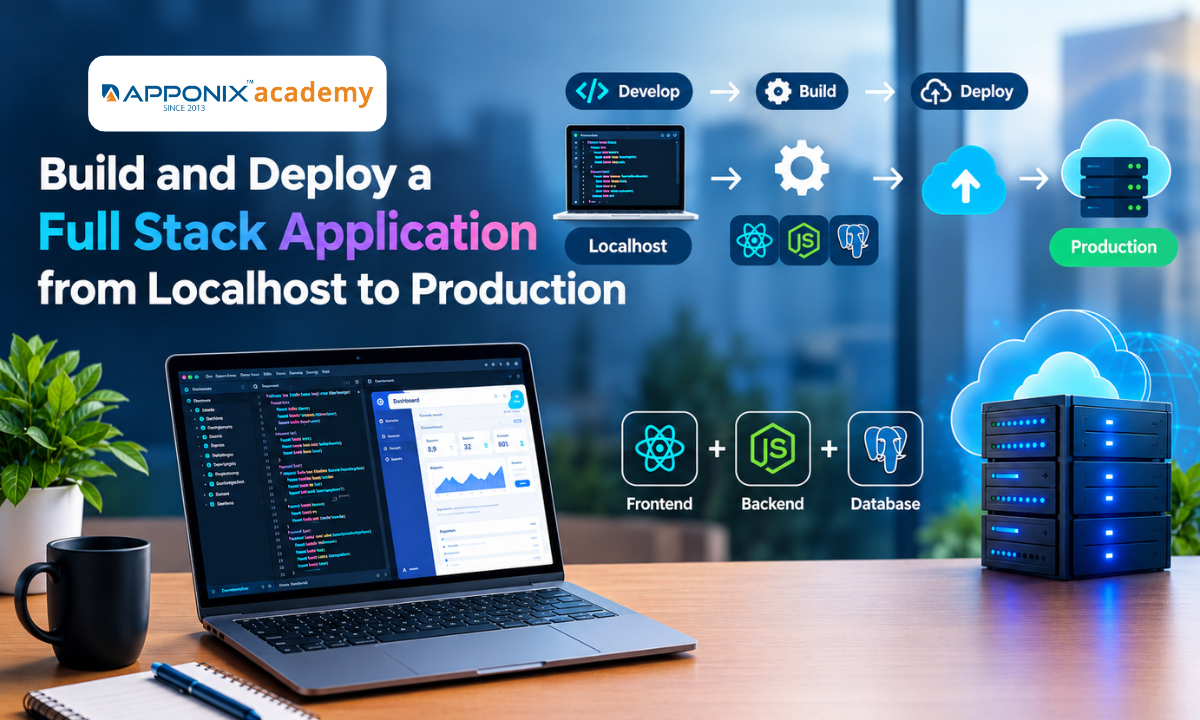
Table of contents:
| 1. Build and Test the Application Locally |
| 2. Configure Development and Production Environments |
| 3. Prepare the Application for Production |
| 4. Deploy the Frontend Application |
| 5. Deploy the Backend and Database |
| 6. Connect the Frontend, Backend, and Database |
| 7. Perform Production Checks Before Launch |
| 8. Maintain and Update the Live Application |
| 9. Conclusion |
Building a full stack application involves more than writing frontend and backend code. You must also configure the environment, connect the database, deploy the application to a hosting platform, and check that everything works correctly. Moving an application from localhost to production requires careful planning because the production environment may differ from your local setup. Apponix provides technology learning resources to help developers stay informed about software development and emerging IT skills.
This guide explains how to build, configure, deploy, and test a full stack application, from local development to a live website. Developers who want to strengthen their practical skills can explore our Full Stack Developer Course in Bangalore to learn frontend development, backend programming, database management, and application deployment.
1. Build and Test the Application Locally
Start by defining the application's purpose, features, and technical requirements. Choose a technology stack that supports your project. For example, you can use React for the frontend, Node.js and Express.js for the backend, and MongoDB or PostgreSQL for database management.
A typical full stack application has three main components:
-
Frontend: Displays the user interface and handles user interactions.
-
Backend: Processes requests, applies business logic, and manages authentication.
-
Database: Stores user details, application records, and other information.
Set up the project structure and install the required dependencies. Develop the frontend components, create backend API endpoints, and connect the database.
Run the application on localhost and test its main features. Check form submissions, API responses, database operations, and error handling before preparing it for deployment.
2. Configure Development and Production Environments
One common deployment problem is that an application works locally but fails after hosting. This often happens because environment variables, API URLs, database connections, or software versions differ between environments.
Development and production environments should use separate configurations.
For example, your local frontend might send requests to http://localhost:5000/api, while the deployed frontend must communicate with the production backend URL.
Use environment variables to manage settings such as:
-
Database connection strings
-
API base URLs
-
Authentication secrets
-
Third-party service keys
-
Application environment settings
Store local configuration in a .env file when supported by your framework. Add sensitive environment files to .gitignore so they are not committed to the source code repository.
In production, configure environment variables through your hosting provider's dashboard or deployment settings. Never expose database credentials, private API keys, or authentication secrets in frontend code.
Also, make sure the application handles missing configuration clearly. This helps identify setup problems before they cause failures in production.
3. Prepare the Application for Production
Before deployment, review the code and remove unnecessary development dependencies, debug statements, and temporary test configurations. Before choosing a deployment workflow, review the tools and technologies used in full-stack development to understand how development frameworks, databases, version control, and hosting services work together.
For the frontend, create an optimized production build. Tools such as Vite and other framework-specific build systems can bundle JavaScript, optimize assets, and prepare files for hosting.
For the backend, confirm that the application uses the correct production port configuration and starts through the expected command. Your server should listen on the port provided by the hosting platform when required.
You should also check the following:
-
Validate user input on the server.
-
Handle API errors with suitable status codes.
-
Enable HTTPS through the hosting platform.
-
Configure Cross-Origin Resource Sharing (CORS) for approved frontend origins.
-
Review authentication, authorization, and dependency security.
-
Add appropriate logging for production errors.
These steps help improve application security, reliability, and performance.
4. Deploy the Frontend Application
The frontend is the part users see and interact with. Depending on your framework, it may be deployed as a static website or served through an application runtime.
Platforms such as Vercel, Netlify, and cloud hosting services support different frontend deployment workflows. Understanding AWS cloud computing can also help developers learn how cloud platforms support application deployment and hosting.
A typical frontend deployment process includes:
-
Push the source code to a Git repository.
-
Connect the repository to your chosen hosting platform.
-
Specify the build command and output directory.
-
Add the required environment variables.
-
Run the production build and deploy the application.
-
Open the deployed URL and check the interface.
After deployment, verify that navigation, images, styles, forms, and responsive layouts work correctly.
Pay special attention to API requests. If the frontend still points to localhost, it will try to contact a server running on the user's own device instead of your deployed backend. Update the production API URL before publishing the application.
5. Deploy the Backend and Database
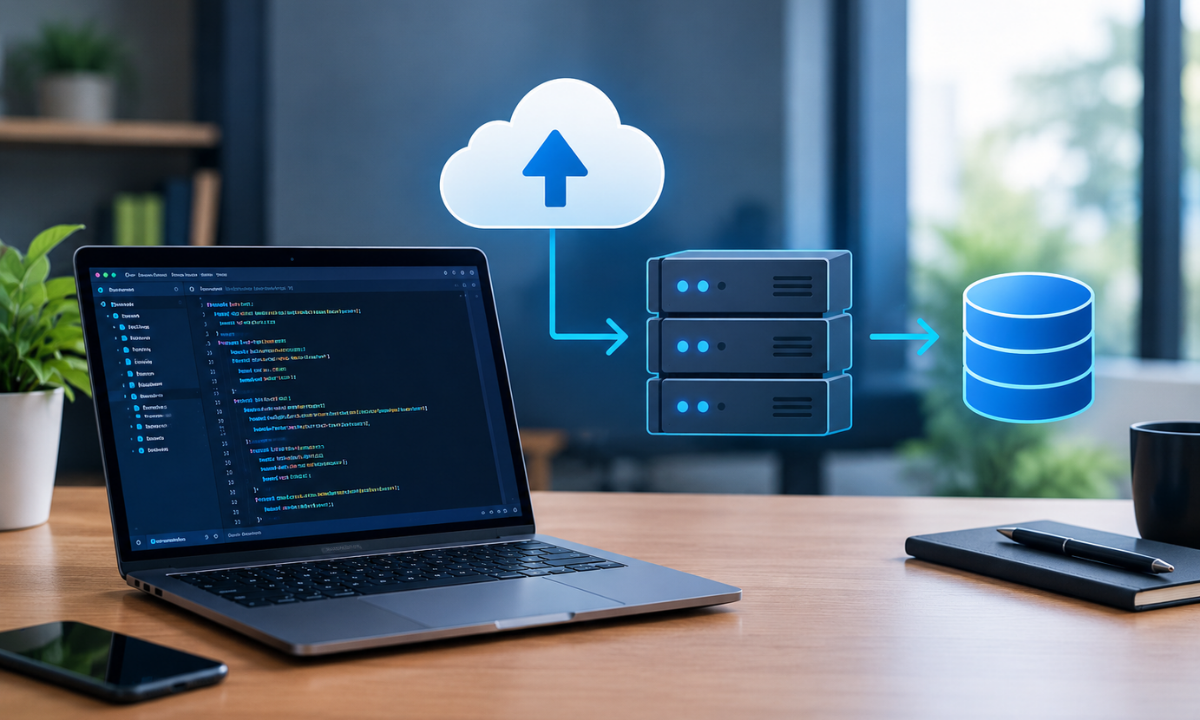
The backend handles application logic, API requests, authentication, and database operations. It needs a hosting environment that supports its runtime and dependencies.
You can deploy a Node.js backend to a suitable application hosting platform or cloud service. The exact process depends on the provider, framework, and project structure.
Follow these steps:
-
Connect the backend repository to the hosting service.
-
Configure the installation and start commands.
-
Add production environment variables.
-
Set up the database connection.
-
Configure CORS and permitted frontend origins.
-
Deploy the application and check its logs.
-
Test the API endpoints using a browser, Postman, or another API client.
For the database, use a managed database service or a securely configured database server. Create the required database and user, restrict network access, and use credentials stored in environment variables.
If your project requires schema migrations, indexes, or initial records, prepare and apply them as part of the deployment process.
Finally, check whether the backend is accessible through HTTPS and whether the frontend can communicate with it without connection or permission errors.
6. Connect the Frontend, Backend, and Database
Once all components are deployed, verify that they work together.
The frontend should send requests to the production API. The backend should validate those requests, process the required logic, and read from or write to the production database.
For example, when a user submits a registration form, the frontend sends the data to an API endpoint. The backend validates the input, stores the permitted information in the database, and returns a response that the frontend displays.
Test the complete workflow rather than checking each component in isolation. Verify successful requests, invalid input, failed authentication, unavailable database connections, and unexpected server errors.
If a request fails, inspect the browser's developer tools, network responses, backend logs, and database connectivity settings to identify the cause.
7. Perform Production Checks Before Launch
A successful deployment does not automatically mean the application is ready for users. Complete a final production checklist before sharing the live URL.
|
Check |
What to verify |
|
Functionality |
Main features and user workflows work correctly |
|
Security |
Secrets are protected and access controls are enforced |
|
Performance |
Pages load efficiently and APIs respond within acceptable times |
|
Database |
Connections, queries, and required records work correctly |
|
Mobile usability |
Layouts and interactions work on smaller screens |
|
Error handling |
Invalid requests produce useful error responses |
|
Monitoring |
Logs and error alerts help identify failures |
|
Backup and recovery |
Database backup and recovery procedures are available |
Also, test the application in multiple browsers and check whether the production domain, SSL certificate, and redirects are configured correctly.
For applications that handle important business data, plan database backups, monitoring, and a rollback strategy before launch.
8. Maintain and Update the Live Application

Deployment is an ongoing process. After launch, monitor application errors, server resource usage, response times, and database performance.
Use Git to track code changes and a CI/CD pipeline to automate testing and deployment where appropriate. A typical pipeline can run automated tests, build the application, and deploy approved changes.
Before releasing significant updates, test them in a staging environment that resembles production. This reduces the risk of introducing errors into the live application.
Keep frameworks and dependencies updated, review security advisories, and document deployment steps so future changes can be managed consistently.
Conclusion
Moving a full stack application from localhost to production requires a clear deployment process. Configure separate environments, protect sensitive information, deploy the frontend and backend, connect the production database, and test the complete application before launch. Continue monitoring performance and security after deployment.
Understanding these steps is an important part of full stack development because it helps developers build applications that work reliably beyond their local machines.
Reference:
2)https://dev.to/techgeniuskaran/deploying-my-full-stack-app-from-localhost-to-live-hh0

Apponix Academy
Apponix Academy