POPULAR COURSES
Master Programs



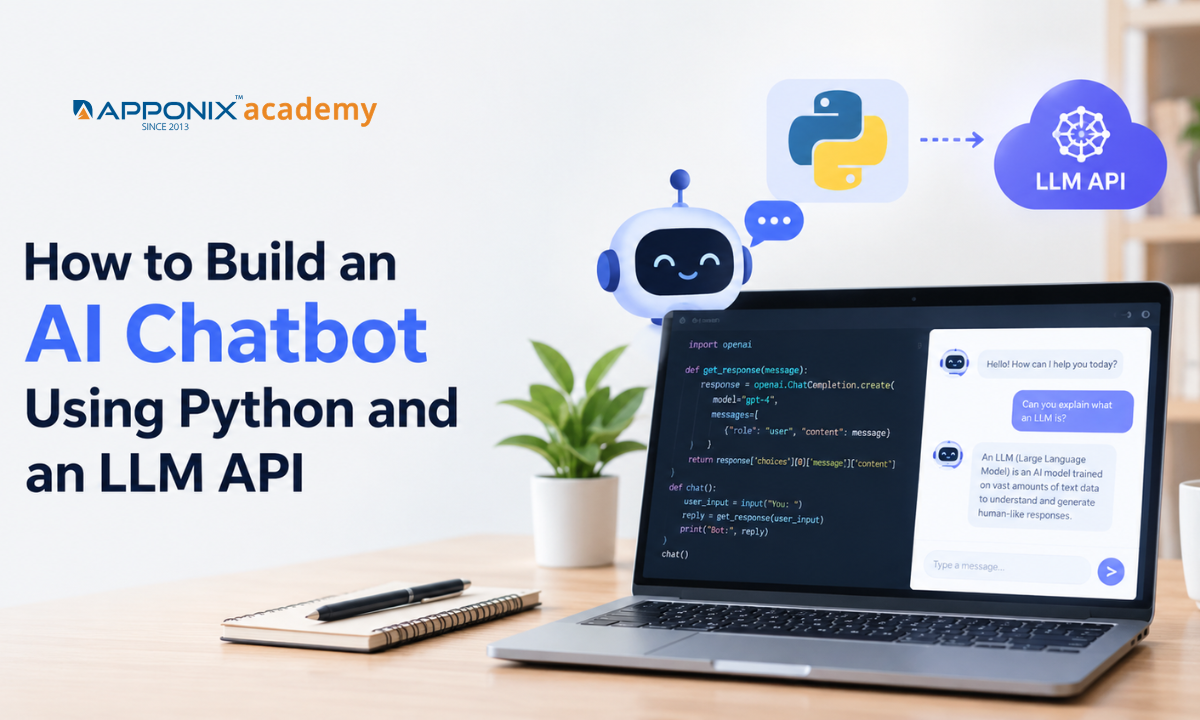
Table of contents:
| 1. What Do You Need to Build an AI Chatbot? |
| 2. Step 1: Set Up Your Python Environment |
| 3. Step 2: Configure Your LLM API Key |
| 4. Step 3: Connect Python to the LLM API |
| 5. Step 4: Add Conversation History |
| 6. Step 5: Improve Responses Through Prompt Engineering |
| 7. Step 6: Handle API Errors |
| 8. Step 7: Test and Improve the Chatbot |
| 9. Step 8: Extend the Chatbot for Real-World Use |
| 10. Conclusion |
Building an AI chatbot with Python and a Large Language Model (LLM) API is a practical way to learn how modern AI applications work. You can create a chatbot that understands user questions, generates natural language responses, and maintains conversation context without training a language model from scratch. Developing these skills also supports a broader understanding of software development, a key area covered by Apponix's technical training programs.
This guide covers API integration, prompt engineering, conversation history, error handling, and basic testing.
What Do You Need to Build an AI Chatbot?
Before writing code, understand the main components of an LLM-powered chatbot.
-
Python: Handles application logic, user input, and API requests.
-
LLM API: Connects your application to a language model that generates responses.
-
API key: Authenticates requests to the model provider.
-
Prompt: Defines the chatbot's role, instructions, and response style.
-
Conversation history: Helps the chatbot understand earlier messages.
-
Error handling: Manages API failures, network issues, and invalid requests.
You should have Python installed and understand basic concepts such as variables, functions, lists, dictionaries, and package installation. Familiarity with JSON and HTTP requests will also help.
If you want to understand the wider field before building an application, explore artificial intelligence concepts and applications in our course as a starting point for further learning.
Step 1: Set Up Your Python Environment
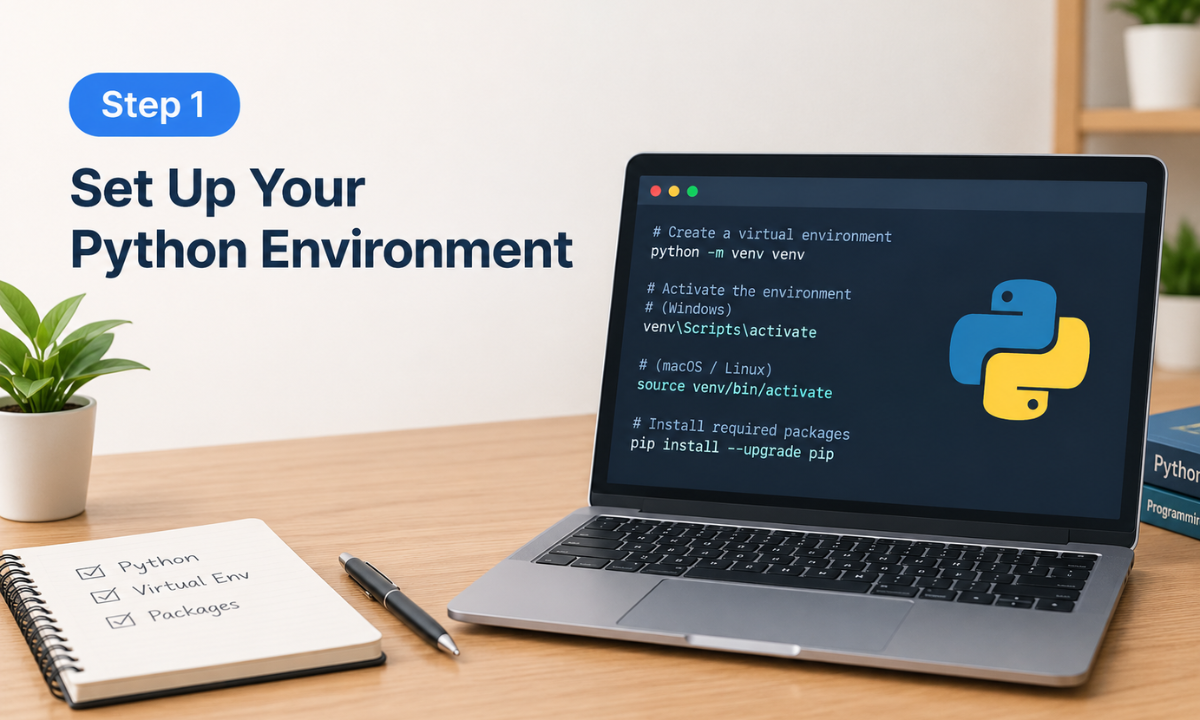
Create a project folder and set up a virtual environment. This keeps the project's dependencies separate from other Python applications.
Run the following commands in your terminal:
mkdir ai-chatbot
cd ai-chatbot
python -m venv venv
Activate the environment.
Windows:
venv\Scripts\activate
Linux or macOS:
source venv/bin/activate
Next, install the OpenAI Python SDK:
pip install openai
The SDK simplifies API communication by handling request formatting and response parsing. You can use another provider's SDK if you plan to connect to a different LLM.
Step 2: Configure Your LLM API Key
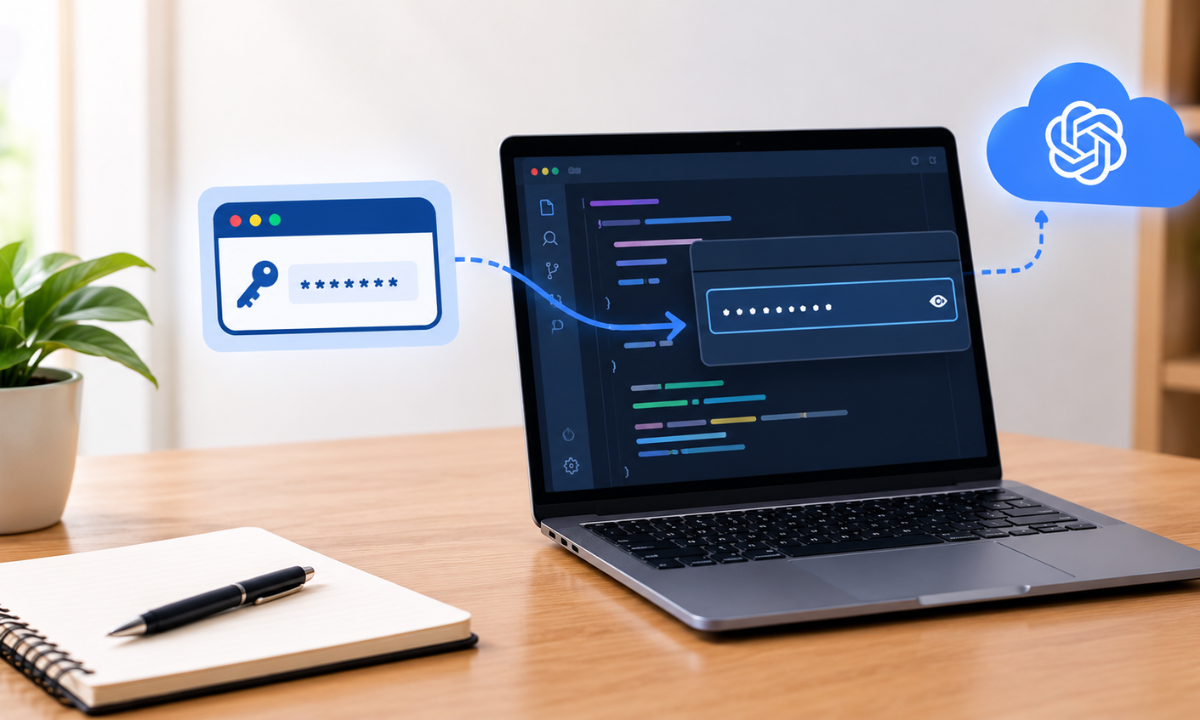
An API key allows your Python application to authenticate with the model provider. Create a key through your provider's official developer platform and store it as an environment variable.
For example, on Windows PowerShell:
$env:OPENAI_API_KEY="your_api_key"
On Linux or macOS:
export OPENAI_API_KEY="your_api_key"
Replace the example value with your actual key. Keep it private and never place it directly in source code, public repositories, or frontend applications.
You should also review your provider's pricing, usage limits, and data-handling terms before sending user information to an API.
Step 3: Connect Python to the LLM API
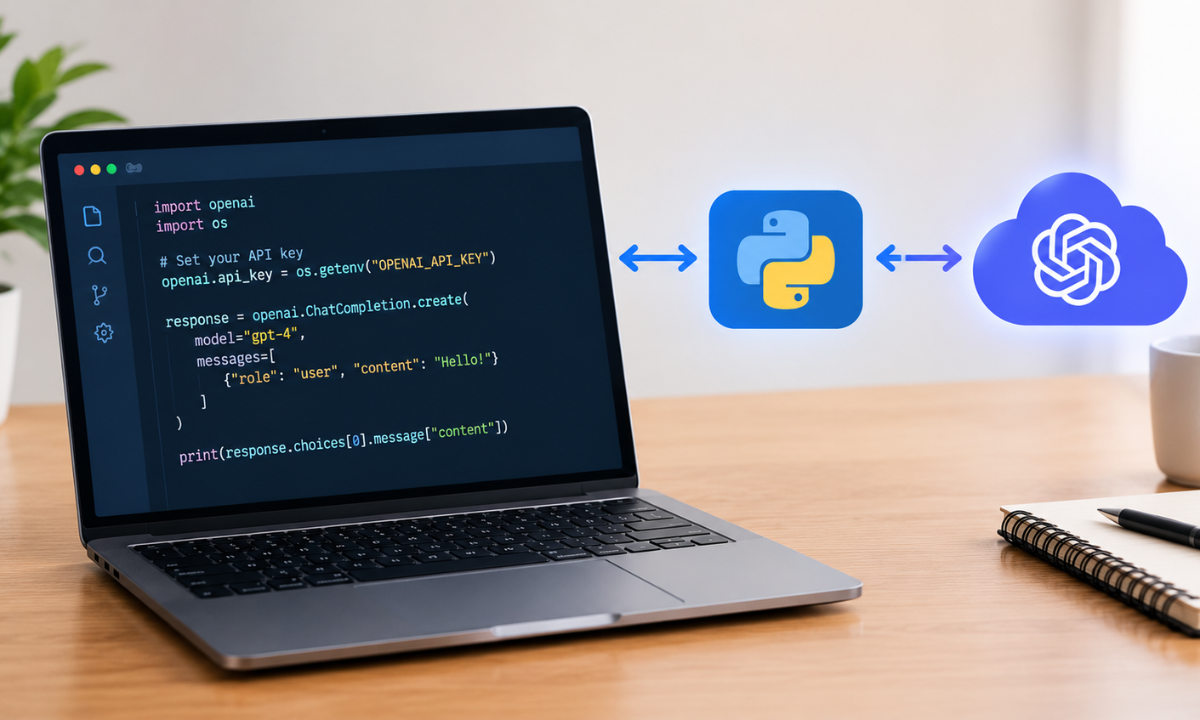
Create a file named chatbot.py. The following example sends a user message to an LLM and displays the generated response.
from openai import OpenAIclient = OpenAI()def get_response(user_message): response = client.responses.create( model="gpt-4.1-mini", input=user_message ) return response.output_textquestion = input("You: ")answer = get_response(question)print("Bot:", answer)
The code creates an API client, sends the user's question, receives the model's response, and prints it in the terminal.
The model name is an example; use a model currently available to your API account. API access, pricing, and model availability may vary by provider and account.
This first version processes a single question at a time. It does not retain earlier messages, so the chatbot cannot reliably use previous turns as context.
Step 4: Add Conversation History
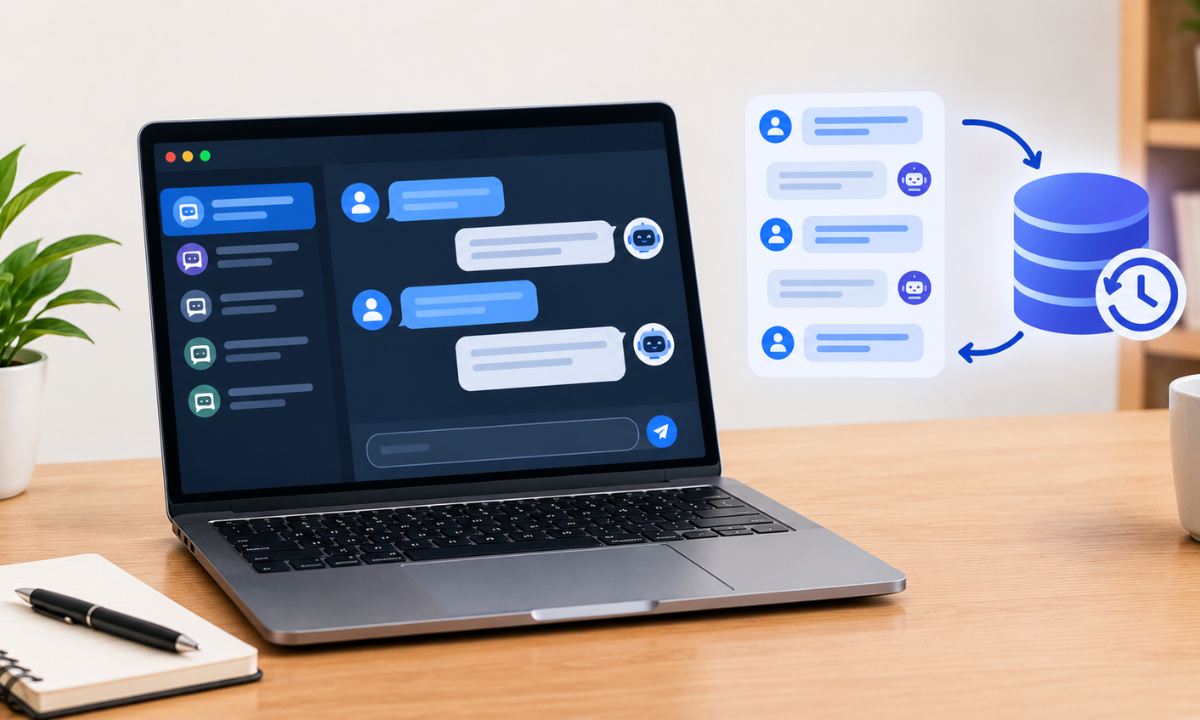
A useful chatbot should remember the context of a conversation. For example, if a user asks about Python and then says, "What projects can I build with it?", the chatbot should understand that "it" refers to Python.
You can maintain this context by storing messages in a Python list and sending them with each API request.
Update chatbot.py with the following code:
from openai import OpenAIclient = OpenAI()messages = [ { "role": "system", "content": "You are a helpful AI assistant. " "Give clear and concise answers." }]def get_response(user_message): messages.append({ "role": "user", "content": user_message }) response = client.responses.create( model="gpt-4.1-mini", input=messages ) answer = response.output_text messages.append({ "role": "assistant", "content": answer }) return answerwhile True: question = input("You: ") if question.lower() in ["exit", "quit"]:
This version keeps the conversation running until the user exits. It stores user messages and assistant responses so that the model can refer to earlier exchanges.
For longer conversations, sending every message increases token usage and may exceed the model's context limit. A production chatbot should limit conversation history, summarise older exchanges, or retrieve only relevant information.
Step 5: Improve Responses Through Prompt Engineering
Prompt engineering helps you control how an LLM responds. A vague instruction can produce inconsistent answers, while a clear prompt defines the chatbot's purpose, tone, limits, and expected output.
For example, a customer support chatbot could use this system instruction:
system_prompt = """You are a customer support assistant.- Answer in simple, professional language.- Keep responses relevant to the user's question.- Ask for clarification when information is missing.- Do not invent product details or policies.- Refer complex issues to a human support agent."""
Use this prompt as the system message when creating the conversation.
You can improve results by testing different instructions, adding relevant examples, and specifying the expected response format. However, prompts alone cannot guarantee factual accuracy or prevent every incorrect answer.
For more guidance, read Apponix's article on prompt engineering and its role in AI applications.
Step 6: Handle API Errors
API requests can fail because of network problems, invalid credentials, rate limits, or temporary service interruptions. Without error handling, a single failure may stop the chatbot.
Use try-except to handle common API errors:
from openai import OpenAI, APIConnectionErrorfrom openai import APIStatusError, RateLimitErrorclient = OpenAI()def get_response(user_message): try: response = client.responses.create( model="gpt-4.1-mini", input=user_message ) return response.output_text except RateLimitError: return "The service is busy. Please try again shortly." except APIConnectionError: return "Connection failed. Check your network and retry." except APIStatusError: return "The AI service returned an error." except Exception: return "Something went wrong. Please try again."
These exceptions cover common failures, while the final exception provides a fallback for unexpected issues. In a real application, log technical details securely for debugging without exposing API keys or sensitive user information.
You should also consider request timeouts, controlled retries, API usage limits, and clear messages when the service is unavailable.
Step 7: Test and Improve the Chatbot
Testing helps you identify problems before users interact with your chatbot. Start with simple questions, then test more complex conversations and failure scenarios.
Use this checklist:
-
Response quality: Does the chatbot answer questions clearly and correctly?
-
Context retention: Can it understand follow-up questions?
-
Prompt adherence: Does it follow the instructions you provided?
-
Error handling: Does it recover from API failures?
-
Security: Does it protect credentials and avoid exposing sensitive information?
-
Performance: Are response times and API costs acceptable?
Also, check how the chatbot responds to ambiguous questions, repeated messages, and requests outside its intended purpose.
Step 8: Extend the Chatbot for Real-World Use
Once the basic application works, you can develop it into a more useful AI-powered tool.
Consider adding these features:
-
Web interface: Use Flask, FastAPI, or Streamlit to create a user-friendly interface.
-
Database storage: Store conversation records securely when retention is necessary.
-
Streaming responses: Display generated text as it arrives instead of waiting for the complete response.
-
Document search: Connect the chatbot to approved documents using embeddings and retrieval-augmented generation (RAG).
-
Monitoring: Track response quality, latency, token usage, and errors.
-
Safety controls: Validate inputs, limit usage, and apply appropriate safeguards.
Before deployment, review data privacy requirements and the model provider's terms. Avoid sending confidential information unless the application and provider are approved for that data.
You should also understand how language models generate text and where they can fail. Apponix's guide on how large language models work provides a useful starting point for exploring these concepts.
Conclusion
Building an AI chatbot with Python and an LLM API introduces you to practical AI development. You learn how to connect an application to a language model, design prompts, manage conversation history, handle errors, and test responses.
Start with a simple terminal-based chatbot, then add a web interface, document retrieval, and monitoring as your skills improve. This project also provides practical experience with Python programming, natural language processing, prompt engineering, and generative AI.
If you want to develop these skills systematically, an AI Course in Bangalore can help you build a foundation in Python, machine learning, deep learning, and NLP before progressing to more advanced AI applications.
2)https://writeforusai.hashnode.dev/build-your-first-ai-chatbot-using-an-llm-api

Apponix Academy
Apponix Academy