POPULAR COURSES
Master Programs



Table of contents:
|
1. AI-Assisted Web Design and AI-Driven Search |
| 2. Bold Typography and Dynamic Text |
| 3. Purposeful Minimalism and Micro-Interactions |
| 4. Immersive Visuals, Animation and Interactive Experiences |
| 5. Distinctive Brand Experiences Instead of Generic Templates |
| 6. Accessibility-First Design |
| 7.Content-Led and Storytelling-Based Layouts |
| 8. Responsive and Performance-Conscious Web Design |
| 9. How to Stay Updated With Web Design Trends |
|
10. Why Choose Apponix for Web Designing?
|
| 11. Conclusion |
| 12. Frequently Asked Questions |
In 2026, Websites are expected to do a lot more than just look attractive. Visitors want speed, a smooth mobile experience, thoughtful interaction, real accessibility, and content that feels personalized to them often within the first few seconds of landing on a page. Modern web design has moved well past decoration; it now sits at the intersection of usability, technology, and brand identity, which is exactly what makes keeping up with web design trends genuinely useful rather than optional.
Whether you're a working designer, a developer who touches the front end, or someone considering a web designing course in Bangalore to break into the field or learn the fundamentals that make those trends usable in the first place.
In this guide, we'll explore the web design trends shaping websites in 2026, including AI-powered design, responsive layouts, bold typography, animations, accessibility, interactive experiences, and more.
1. AI-Assisted Web Design and AI-Driven Search
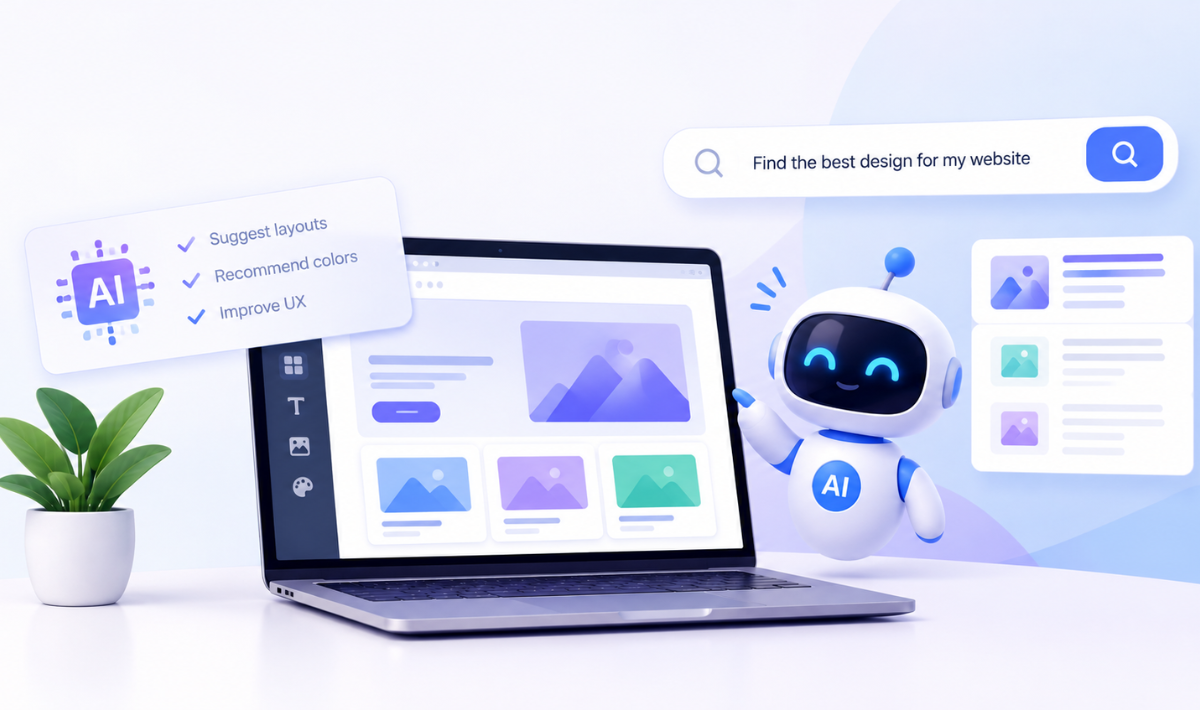
AI is becoming an important part of modern web design, helping designers explore layouts, create design variations, personalise website content, and automate repetitive tasks. It is also being used for features such as AI-powered chat, search, analytics, and interactive experiences.
At the same time, websites are increasingly being discovered through AI-driven search and answer experiences, not just traditional search results. This means designers and developers need to focus on clear information architecture, well-structured content, semantic HTML, readable content hierarchy, accessibility, and fast, technically sound websites.
AI can support the design process, but it does not replace human decision-making. Designers still need to consider usability, brand identity, accessibility, and overall design quality. This makes strong web development fundamentals especially important, as clean and semantic code helps both users and AI systems understand website content more effectively.
Webflow’s 2026 State of the Website report also found that more than half of surveyed marketing leaders planned to prioritise optimisation for AI-driven search and summaries in 2026, showing that this is becoming an important part of modern web strategy.
2. Bold Typography and Dynamic Text
Typography is becoming more than just a way to make website content readable. In modern web design, fonts are also being used as strong visual elements that help create a website's personality and brand identity.
Large and expressive fonts, variable fonts, animated text, and highlighted words are becoming more common. Designers are using typography to draw attention to important messages and make websites more visually interesting.
Current design trends also show a move away from safe and predictable font choices. Instead, designers are experimenting with bold typography, dynamic text treatments, and distinctive font combinations to create websites that feel more unique and memorable.
The key is to use typography with purpose. A bold font may grab attention, but it should still be easy to read and fit naturally with the overall design and brand.
3. Purposeful Minimalism and Micro-Interactions
Minimalism in modern web design is not about making a website look empty or using fewer colours and elements. It is about creating a clean and focused experience where every element has a clear purpose. Clean layouts, balanced whitespace, clear visual hierarchy, and strong calls-to-action help users find information without feeling overwhelmed.
At the same time, simple designs can use micro-interactions to make the experience more engaging. Small details such as hover effects, button changes, loading indicators, and subtle transitions can provide feedback and make interactions feel more natural.
The key is balance. A website does not have to be completely minimalist, and micro-interactions should not be added just for decoration. Combining a simple layout with purposeful interactive elements can create a website that is clear, engaging, and easy to use.
4. Immersive Visuals, Animation and Interactive Experiences

Modern websites are becoming more engaging by combining interactive visuals, animation, and immersive elements. Instead of relying only on static images and text, designers can use interactive hero sections, videos, subtle 3D elements, scroll-based effects, and animations to create a more engaging experience.
Animations and micro-interactions can also help users understand what is happening on a page. For example, buttons can respond when hovered over, content can appear as users scroll, and page elements can transition smoothly between states. Interactive product demonstrations and visual storytelling can make complex information easier to understand.
However, these elements should have a clear purpose. Too many animations, 3D effects, or interactive features can distract users and affect website performance. The best approach is to balance creativity with usability, using visual effects to guide users, communicate information, and make the website more memorable without making it difficult to navigate.
5. Distinctive Brand Experiences Instead of Generic Templates
With so many websites using similar templates, AI tools, and design styles, creating a unique brand experience has become more important. A website should have a visual identity that visitors can recognise and connect with the brand.
Designers can use custom colours, unique typography, original illustrations, graphics, animations, and layouts to create this identity. Using these elements consistently across different pages helps make the website feel connected and recognisable.
The goal is not to make a website complicated just to be different. Instead, designers should create a clear and consistent visual language that represents the brand and makes the website memorable.
6. Accessibility-First Design
Accessibility is an important part of creating websites that everyone can use, including people with different disabilities and needs. It should be considered from the beginning of the design process rather than added later.
This includes good colour contrast, readable typography, clear form labels, alternative text for images, keyboard-friendly navigation, visible focus indicators, and touch targets that are easy to use. Designers should also use animations carefully, as excessive movement can cause problems for some users.
The Web Content Accessibility Guidelines (WCAG) 2.2, developed by the W3C, provide recommendations for making websites more accessible, including areas such as focus visibility, target size, navigation, and input assistance.
Accessibility not only helps meet these guidelines but also creates a clearer and more inclusive experience for all visitors.
7. Content-Led and Storytelling-Based Layouts
Modern websites are increasingly using their layouts to tell a story and guide visitors through the page, rather than simply placing information into separate sections.
This can include narrative-style homepages, scroll-based storytelling, clear visual hierarchy, organised content blocks, and editorial-style layouts. Images and graphics should support the message rather than simply fill empty space.
A good storytelling layout starts with understanding user intent — what visitors want to know, find, or do when they reach a page. The design can then guide them naturally towards the right information or action.
This approach brings together design, content, and user experience (UX). For anyone developing Frontend design skills, it is important to understand not only how a website looks but also how users move through it and interact with its content.
8. Responsive and Performance-Conscious Web Design
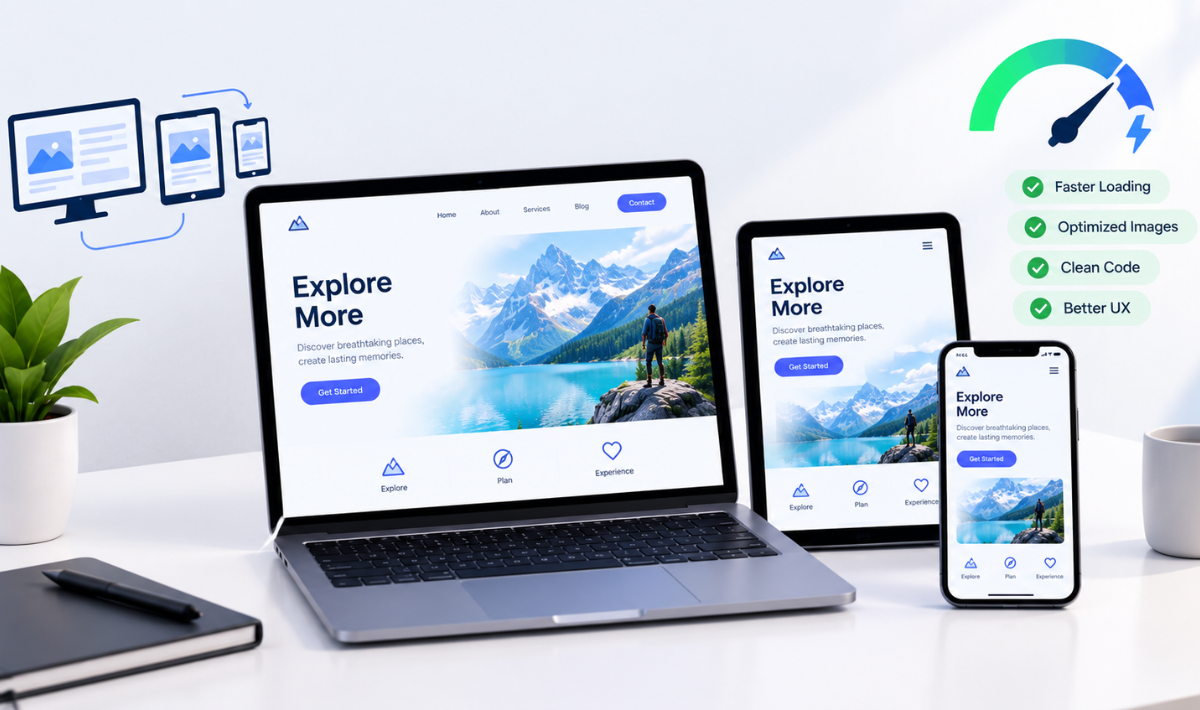
Responsive design and website performance are essential for creating a good user experience. People access websites on phones, tablets, laptops, and desktops, so websites need to adapt smoothly to different screen sizes while loading quickly.
This involves using responsive web design techniques such as flexible layouts, mobile-first design, responsive images, fluid typography, and touch-friendly buttons. Designers should also consider optimized images, lightweight assets, lazy loading, efficient animations, and fewer unnecessary scripts to keep websites fast and reliable.
Strong HTML and CSS fundamentals are especially useful here. Understanding flexible grids, breakpoints, and responsive layouts helps designers create designs that work properly across different devices rather than only looking good in a design tool.
The goal is to balance visual appeal and performance. A modern website should look good, adapt to different screens, load quickly, and respond smoothly, even for users on mobile devices or slower internet connections.
Why Designers Still Need Strong HTML and CSS Fundamentals
Design tools like Figma and AI platforms make creating website designs easier, but understanding how those designs work in a browser is still important. Basic knowledge of HTML, CSS, responsive design, Flexbox, CSS Grid, typography, and accessibility helps designers create practical designs that developers can build.
It also makes communication between designers and developers easier. Designers can better understand how a website will behave across different screen sizes and user interactions.
A structured HTML CSS course Bangalore learners take can help bridge the gap between visual design and development. Learning these web development fundamentals can make Frontend design more practical, responsive, and user-friendly.
How to Stay Updated With Web Design Trends
Web design changes quickly, so designers need to keep learning and experimenting. Staying updated does not mean copying every new trend. Instead, understand why a trend is useful and whether it improves the user experience.
Here are some simple ways to stay updated:
-
Follow reliable design sources: Learn from design platforms, experts, and industry reports.
-
Study real websites: See how good websites use layouts, typography, animations, and other design elements.
-
Recreate interesting designs: Try building designs yourself to understand how they work.
-
Learn the basics: Keep improving your HTML, CSS, JavaScript, responsive design, and animation skills.
-
Test on different devices: Make sure your designs work well on mobile, tablet, and desktop.
-
Build personal projects: Experiment with new ideas through small projects.
-
Focus on UX: Ask whether an effect or animation actually helps the user.
-
Explore AI tools: Learn how AI can support your design process and workflow.
-
Prioritise accessibility: Make sure new design ideas remain usable for everyone.
-
Keep your portfolio updated: Show different design styles and projects to demonstrate your skills.
Why Choose Apponix for Web Designing?
At Apponix Academy, the web designing training focuses on developing practical skills that can be applied to real projects. You can learn important areas such as HTML, CSS, responsive web design, frontend development, UI/UX principles, and web development fundamentals while working on practical exercises and projects.
What you can expect from the training:
-
Practical learning: Work on real-world projects and exercises instead of learning only through theory.
-
Strong HTML and CSS foundation: Understand the core technologies used to structure and style modern websites.
-
Responsive design skills: Learn how to create websites that work smoothly across mobile, tablet, and desktop screens.
-
Frontend development knowledge: Build an understanding of how designs are translated into functional web pages.
-
Project-based experience: Apply what you learn while creating websites that can also contribute to your portfolio.
-
Flexible learning options: Choose a learning format that fits your schedule and learning style.
-
Career-focused training: Develop practical skills that can help you prepare for opportunities in web design and frontend development.
For learners looking for a Training institute in Bangalore where they can build both design knowledge and practical web development skills, Apponix can provide a structured starting point for developing a career in web designing.
Conclusion
The goal was never to follow every trend at once. A genuinely good designer knows when a trend improves the user experience and when it simply competes for attention. The strongest websites in 2026 combine thoughtful design, accessibility, and performance rather than chasing every trend.
If you want to develop these skills systematically, a structured web designing course in Bangalore can help connect design with practical, code-level skills. At Apponix, a leading Training Institute in Bangalore, the program focuses on hands-on learning across HTML, CSS, responsive design, and frontend concepts, with practical projects for your portfolio.
Frequently Asked Questions
1. What are the latest web design trends in 2026?
Some of the major web design trends in 2026 include AI-assisted design, responsive and mobile-first layouts, bold typography, purposeful animations, immersive visual experiences, accessibility-focused design, personalised experiences, and distinctive brand-focused websites.
2. Is responsive web design still important in 2026?
Yes. People access websites from smartphones, tablets, laptops, and desktops, so websites need to work well across different screen sizes. Responsive web design helps create a smooth and consistent experience across devices.
3. What skills should a modern web designer learn?
A modern web designer should understand HTML, CSS, responsive design, typography, UI/UX principles, accessibility, basic JavaScript, and modern design tools. Learning how to use AI tools effectively can also be useful as they become more common in the design process.
4. Do web designers need to know HTML and CSS?
Yes. While design tools can help create website layouts, knowledge of HTML and CSS helps designers understand how their designs will work when developed. It also makes it easier to create practical, responsive, and accessible designs and communicate with developers.
5. Is AI replacing web designers?
AI is changing how designers work, but it does not completely replace the need for human designers. AI can help with tasks such as generating design ideas, creating variations, personalisation, and repetitive work. Designers are still needed to make decisions about usability, accessibility, brand identity, and the overall user experience.
6. Can beginners learn web designing without coding experience?
Yes. Beginners can learn web designing without previous coding experience. Starting with HTML and CSS can help learners understand how websites are structured and styled before moving on to more advanced frontend technologies.
7. Is web designing a good career in 2026?
Web designing can be a good career choice for people interested in design, technology, and creating digital experiences. Designers can explore roles in web design, UI design, frontend development, UX, and freelance work. Building practical skills and a strong portfolio is important for career growth.
8. Which course is best for learning modern web design?
The right course depends on your goals, but a good web designing course should cover HTML, CSS, responsive web design, UI/UX principles, frontend design, and practical projects. Learning these fundamentals alongside current design trends can help you create websites that are both visually appealing and functional.
Reference:
https://uxplanet.org/50-design-styles-every-designer-should-know-for-better-prompting-56c09d55db62

Apponix Academy
Apponix Academy