POPULAR COURSES
Master Programs




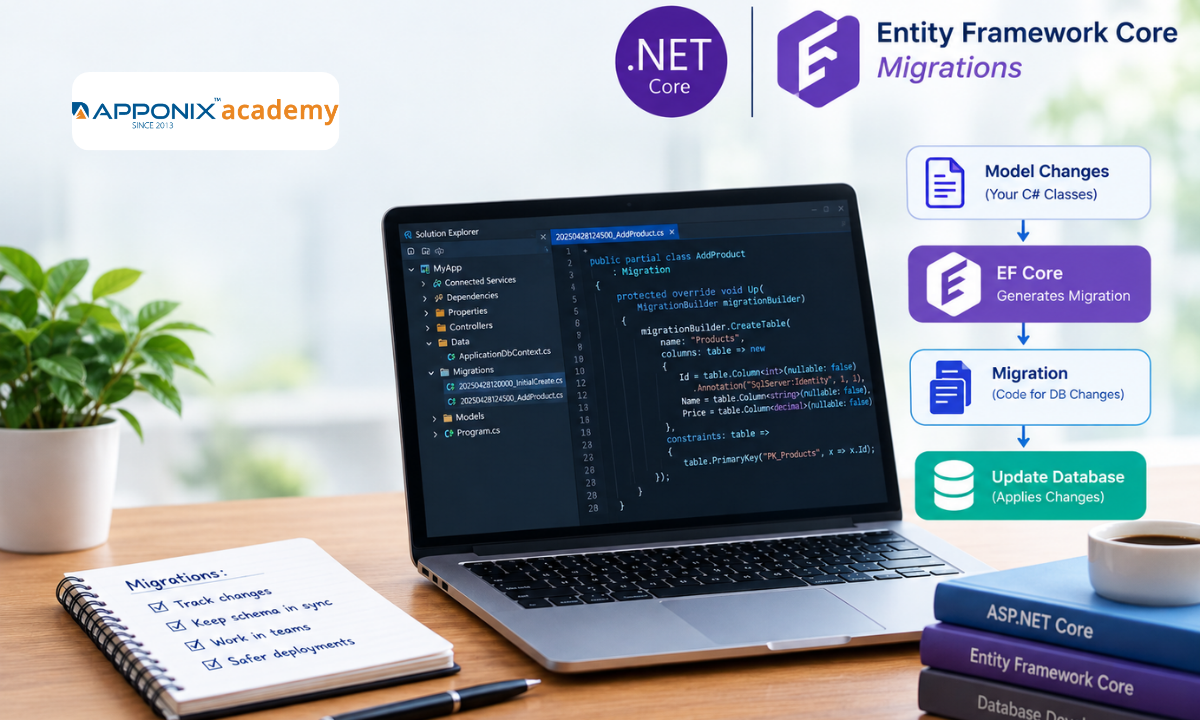
Table of contents:
|
1. What Are Entity Framework Core Migrations? |
|
2. How EF Core Migrations Work |
|
3. Setting Up Entity Framework Core Migrations |
|
4. Creating Your First Migration |
|
5. Updating the Database Schema |
|
6. Managing Migration Rollbacks |
|
7. Database Version Control and Team Collaboration |
|
8. Common EF Core Migration Problems |
|
9. Conclusion |
Database structures often change as an application grows. Developers may need to add new fields, create tables, update relationships, or modify existing columns. Making these changes manually across development, testing, and production environments can lead to errors and inconsistent databases. Entity Framework Core (EF Core) migrations provide a structured way to manage these changes and keep the database aligned with application data models.
This guide from Apponix explains how EF Core migrations work, how to create and apply migrations, and how to manage schema updates, rollbacks, and database version control in .NET applications.
What Are Entity Framework Core Migrations?
Entity Framework Core migrations are a feature that helps developers update a database schema when application models change. Instead of writing every database modification manually, developers can generate migration files that describe the required changes.
For example, consider an application with a Product model containing Id and Name properties. Later, the application needs to store product prices. A developer can add a Price property to the model and create a migration to update the database table.
EF Core compares the current model with its previous model snapshot and generates the necessary migration operations. Developers can review these operations before applying them to the database.
Migrations are useful for:
-
Adding, modifying, and removing database columns.
-
Creating or deleting tables.
-
Updating primary keys, foreign keys, and indexes.
-
Managing database schema changes across environments.
-
Tracking database updates through source control.
How EF Core Migrations Work
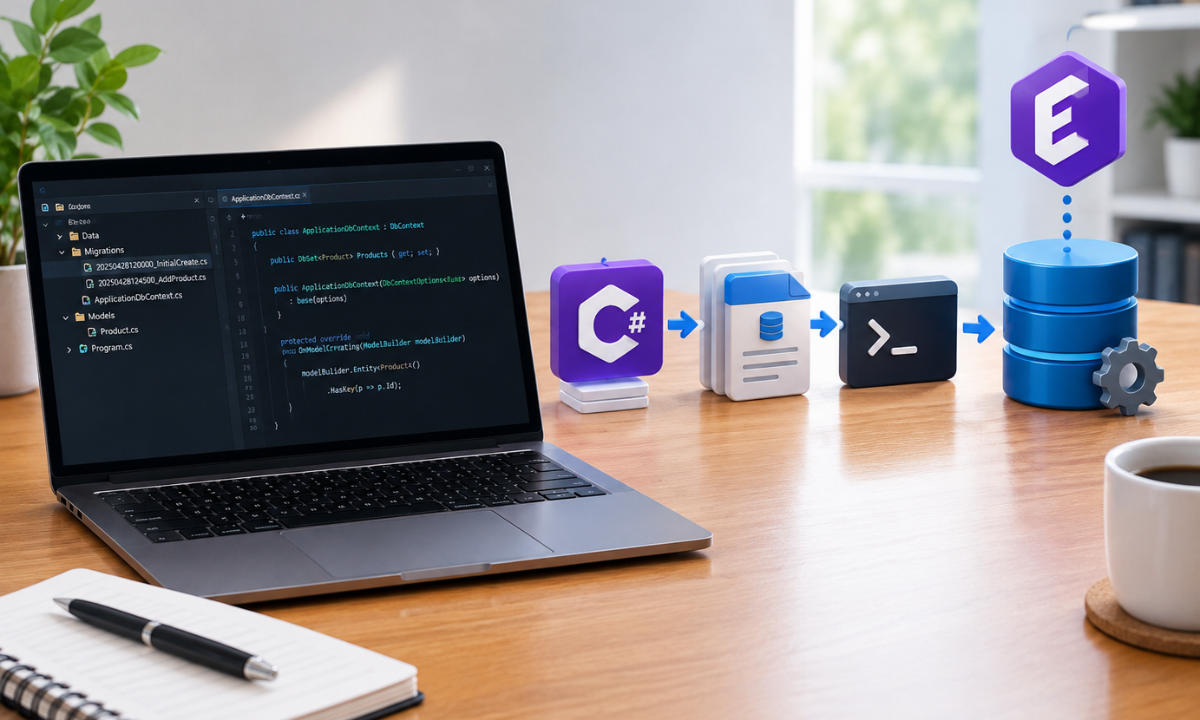
EF Core migrations connect changes in C# entity models with database schema updates. The process generally follows four steps.
1. Update the model: Developers modify entity classes or database configuration.
2. Create a migration: EF Core generates a migration based on model changes and the previous model snapshot.
3. Review the migration: Developers inspect the generated operations to confirm that the changes are correct and safe.
4. Apply the migration: EF Core executes the required database operations to update the schema.
Behind the scenes, EF Core keeps track of your schema changes in a special table called __EFMigrationsHistory. Every time one of your EF Core migrations is applied, EF Core records it there, so it always knows which migrations have already run and which are still pending. This simple tracking is a key part of database management in full-stack development, keeping your database in sync across development, testing, and production.
Setting Up Entity Framework Core Migrations
Before creating migrations, ensure that your .NET project includes the required Entity Framework Core packages. These usually include the EF Core provider for your database, such as SQL Server, and the design-time tools package.
For example, a project using SQL Server may require the following packages:
dotnet add package Microsoft.EntityFrameworkCore.SqlServer
dotnet add package Microsoft.EntityFrameworkCore.Design
Install the EF Core command-line tools if they are not already available:
dotnet tool install --global dotnet-ef
If the tool is already installed, update it when necessary.
Your application should also have a configured DbContext, which represents the session with the database and defines the entity sets used by the application. Understanding these components is an important part of ASP.NET Core and .NET application development, particularly when building applications that connect business logic with persistent data.
Creating Your First Migration
Consider a simple Product entity:
public class Product
{
public int Id { get; set; }
public string Name { get; set; } = string.Empty;
}
The corresponding DbContext might look like this:
using Microsoft.EntityFrameworkCore;
public class AppDbContext : DbContext
{
public AppDbContext(DbContextOptions<AppDbContext> options)
: base(options)
{
}
public DbSet<Product> Products => Set<Product>();
}
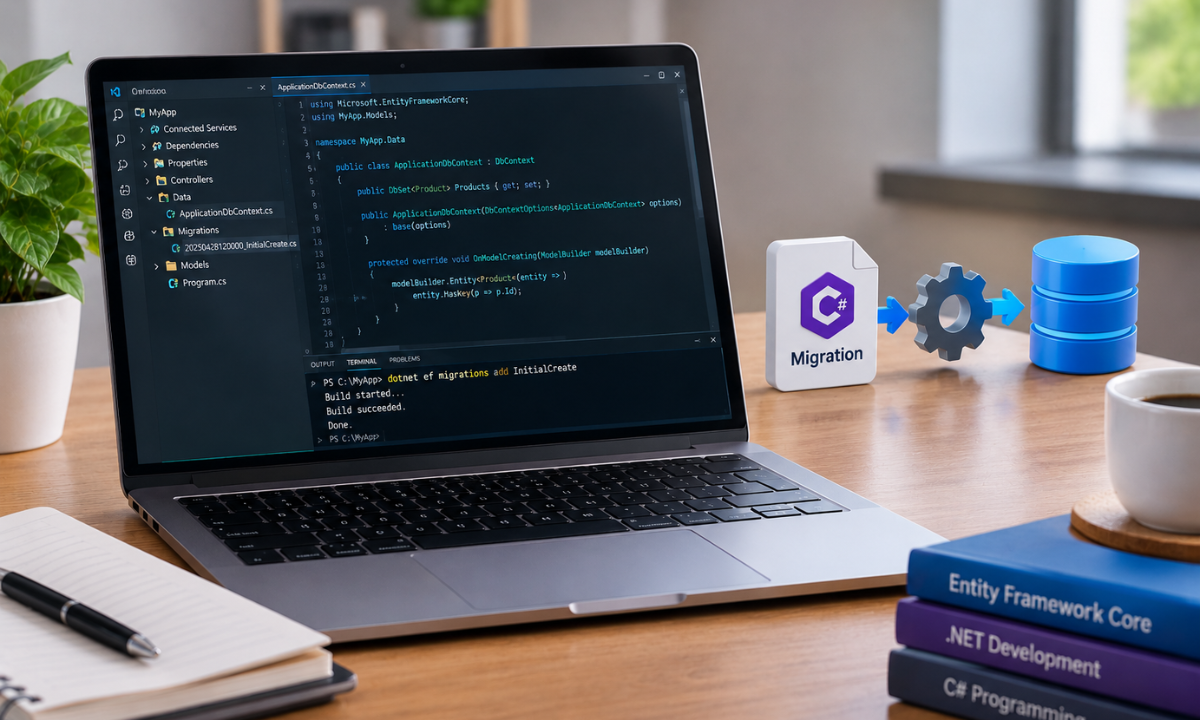
After configuring the database connection and registering the context, create the initial migration:
dotnet ef migrations add InitialCreate
This command generates migration files containing schema operations and a model snapshot. The migration typically includes instructions to create the Products table with an integer primary key and a name column.
To apply the migration to the configured database, run:
dotnet ef database update
EF Core executes the pending migrations and updates the database schema. You can then inspect the database to verify that the table and migration history have been created.
Updating the Database Schema
As application requirements change, entity models may need additional properties. Suppose the Product entity now requires a price:
public decimal Price { get; set; }
Create a migration to capture this change:
dotnet ef migrations add AddProductPrice
Review the generated migration to confirm that it adds the expected column and uses an appropriate database type.
Then apply the update:
dotnet ef database update
The database now includes the Price column.
This workflow supports incremental database schema updates. Instead of rebuilding the database whenever the model changes, developers apply a sequence of migrations that represents the application's evolving structure.
However, adding a non-nullable column to a table that already contains data requires care. The migration may need a default value, a nullable column followed by a data update, or another strategy that preserves existing records.
Managing Migration Rollbacks
Sometimes a migration introduces an error or a planned change needs to be reversed. EF Core provides commands for moving a database to a previous migration.
To list available migrations, use:
dotnet ef migrations list
To update the database to a specific earlier migration, run:
dotnet ef database update PreviousMigrationName
To revert the database to the state before all migrations, use:
dotnet ef database update 0
These commands reverse schema operations where possible. However, a rollback does not guarantee that deleted data can be recovered. For example, reversing a migration that drops a column may restore the column without restoring its previous values.
If a migration has not been applied to the database and is the latest migration, it can generally be removed from the project with:
dotnet ef migrations remove
Before rolling back a production database, review the migration operations, assess data-loss risks, and confirm that a tested backup is available. For complex changes, a forward-fix migration may be safer than reversing a migration that has already been deployed.
Database Version Control and Team Collaboration
Database version control helps development teams maintain consistent schemas across different environments. EF Core migration files should generally be committed to the same source control repository as the application code.
This allows team members to review schema changes, track their history, and apply the same migration sequence during development and deployment. Developers who want to strengthen their source control practices can explore the common git commands for every developer for additional software development and Git-related learning resources.
Follow these practices for reliable migration management:
-
Commit migration files: Store migration classes and model snapshots in Git alongside the related code.
-
Coordinate changes: Avoid creating conflicting migrations when multiple developers modify the same data model.
-
Review generated SQL: Use dotnet ef migrations script to generate SQL for inspection or deployment.
-
Test before release: Apply migrations to a development or staging database before production.
-
Protect existing data: Check whether column changes, table deletions, or type conversions could cause data loss.
-
Plan deployment carefully: Consider application compatibility when database changes and application releases happen at different times.
For production deployments, generating and reviewing SQL scripts can provide more control than applying migrations automatically during application startup. Idempotent scripts can also help when the deployment environment may already contain some of the migrations.
Common EF Core Migration Problems
Developers may encounter migration errors when working with changing models, database connections, or multiple projects.
Migration not found: Check that the migration exists in the correct project and that the command targets the right assembly.
Database connection failure: Verify the connection string, database server availability, authentication details, and environment configuration.
Pending model changes: If EF Core reports model changes that are not captured in migrations, review the entity configuration and create a migration when the changes are intentional.
Conflicting migrations: Coordinate model changes across team members and review migration history before merging branches.
Data loss warnings: Inspect operations that drop columns, change data types, or alter required fields. Modify the migration when necessary to preserve important data.
Understanding these issues helps developers maintain a reliable database update process and reduce deployment risks.
Conclusion
Entity Framework Core migrations provide a practical way to manage database schema changes throughout a .NET application's lifecycle. By creating migrations from model changes, reviewing generated operations, applying updates in a controlled manner, and maintaining migration files in source control, developers can keep databases consistent across environments.
Safe migration management also requires attention to existing data, rollback limitations, and production deployment practices. These skills are essential for building and maintaining reliable applications with Entity Framework Core and ASP.NET Core.
Developers looking to strengthen their practical .NET development skills can explore Dot Net Training in Bangalore to learn more about the technologies and practices used to build modern .NET applications.
Reference:
1)https://medium.com/@caio_vms_78331/applying-database-migrations-with-ef-core-in-ci-cd-pipelines-10468e11dfdd\
2)https://stackoverflow.com/questions/52207596/copy-and-sync-database-changes-to-entity-framework-models

Apponix Academy
Apponix Academy